Before You Move to AWS, Ask These 7 Questions | Savishty

Before You Move to AWS, Ask These 7 Questions
Moving to AWS can be one of the best technology decisions a business makes.
But there’s a problem.
A lot of companies treat cloud migration like this:
“We have servers. Let’s move them to AWS.”
That’s not a cloud strategy. That’s just moving infrastructure.
And if you migrate without understanding your applications, costs, security requirements, performance needs, and future growth, you can end up with an AWS environment that is more complicated, more expensive, and harder to manage than the infrastructure you started with.
Before you migrate, stop and ask these seven questions.
1. Why Are We Moving to AWS?
This sounds obvious, but it’s probably the most important question.
Are you moving because:
Your current servers are reaching their limits?
You need better scalability?
Infrastructure maintenance is becoming expensive?
You want faster application deployment?
You need stronger disaster recovery?
You want to modernize legacy applications?
Your business is expanding into new markets?
You need infrastructure for AI or data workloads?
There should be a clear business reason behind the migration.
For example, a growing SaaS company might move to AWS because its customer base is increasing rapidly and its existing infrastructure cannot scale efficiently.
Another company might move because maintaining physical servers requires too much operational effort.
The AWS architecture should solve the business problem—not simply recreate the existing environment in the cloud.
The question isn't “Can we move to AWS?”
It’s:
“What do we want AWS to help us achieve?”
2. What Should We Actually Migrate?
Not every workload needs to move to AWS immediately.
This is where many migration projects go wrong.
Companies often look at their existing data center and say:
“Let's move everything.”
Instead, create an application and infrastructure inventory.
Look at:
Applications
Databases
Storage
APIs
Virtual machines
Networking
Dependencies
Authentication systems
Monitoring
Backup systems
Third-party integrations
Then classify workloads.
For example:
Workload
Possible Approach
Legacy application
Rehost or refactor
Modern web application
Replatform or modernize
Database
Managed database service
Static content
Object storage + CDN
Batch workloads
Serverless/container-based
Temporary workloads
Auto scaling
Unused legacy system
Retire
Sometimes the best migration decision is not migrating something at all.
If an old application hasn't been used for three years, why spend money moving it?
3. How Much Will AWS Actually Cost?
This is the question that usually gets asked too late.
Companies calculate their existing server costs and compare them with an estimated AWS bill.
But AWS costs involve much more than EC2 instances.
You may need to account for:
Compute
Storage
Databases
Data transfer
Load balancers
NAT gateways
Monitoring
Backups
Security services
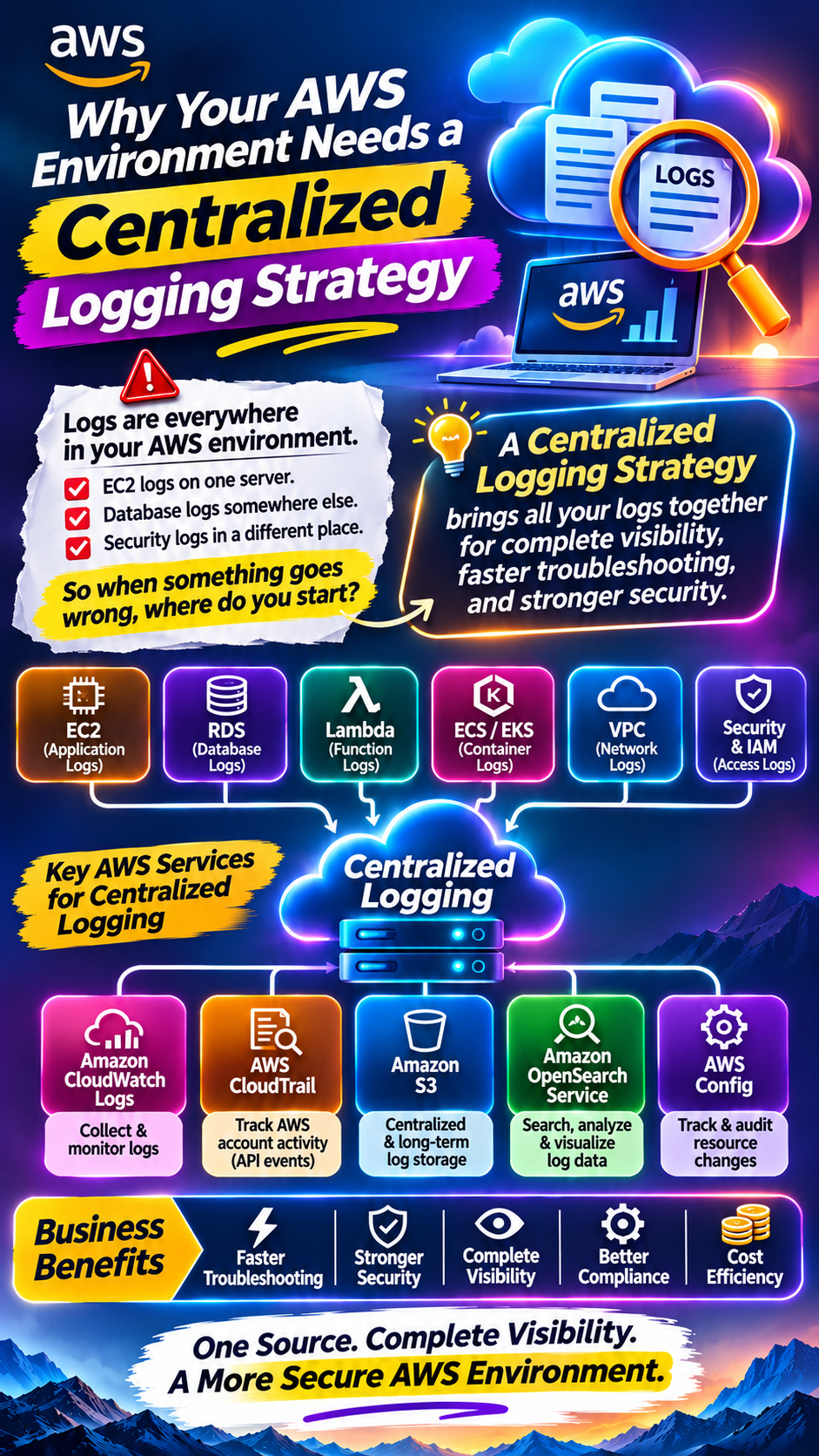
Logging
CDN
Support
Disaster recovery
Third-party tools
And here's the important part:
Your first AWS estimate probably won't be your final AWS cost.
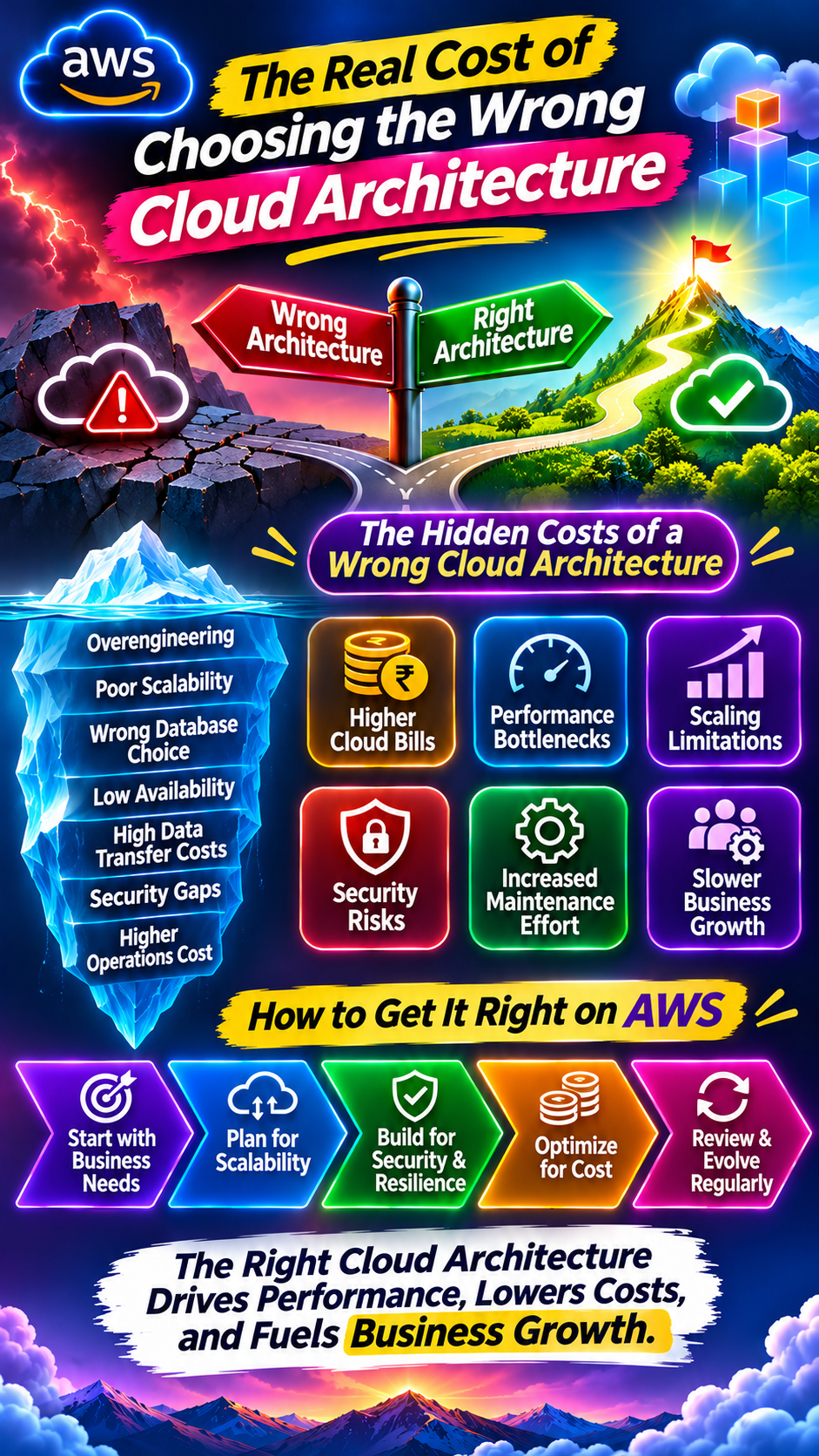
As your infrastructure grows, small architectural decisions can become significant expenses.
For example, unnecessary data transfer, oversized instances, idle resources, excessive logging, or poorly designed networking can quietly increase monthly spending.
That's why cost planning should happen before migration, not after receiving your first large AWS invoice.
4. Is Our Application Actually Ready for the Cloud?
Moving an application from a physical server to AWS doesn't automatically make it cloud-native.
Ask:
Can the application scale horizontally?
Is the database a bottleneck?
Is the application dependent on a single server?
Are files stored locally?
Are there hardcoded IP addresses?
Does the application require persistent local storage?
Can components fail independently?
Is the application stateless?
How will traffic spikes be handled?
Imagine your application currently runs on one server.
You move that server to an EC2 instance.
Technically, you're now running in AWS.
But if that instance fails and the entire application goes offline, you haven't really solved your availability problem.
AWS gives you powerful building blocks.
Your architecture determines how well you use them.
5. What Is Our Security Strategy?
Security shouldn't be something you configure after migration.
It needs to be part of the architecture from day one.
Before moving to AWS, define:
Who can access AWS?
Which users need administrator privileges?
How will identities be managed?
How will applications access AWS services?
How will secrets be stored?
How will data be encrypted?
Which resources should be publicly accessible?
How will security events be monitored?
How will backups be protected?
One of the biggest cloud security mistakes is giving users or applications more permissions than they actually need.
Instead of:
“Give this application access to everything.”
Think:
“What is the minimum access this application actually needs?”
That principle—least privilege—can dramatically reduce the potential impact of a compromised account or application.
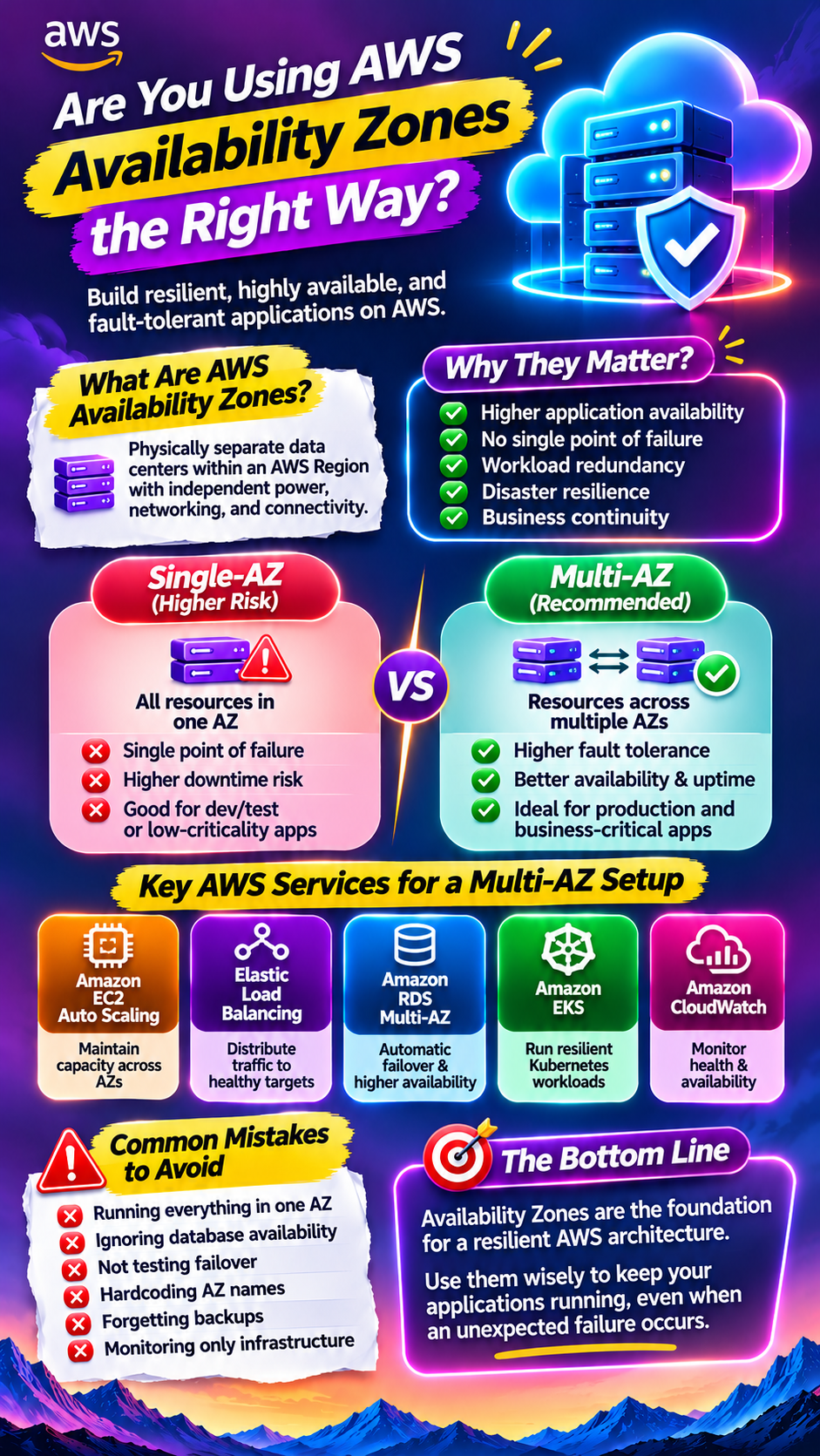
6. What Happens If AWS—or Our Application—Goes Down?
Cloud doesn't mean downtime disappears.
Your application can still experience:
Application failures
Database failures
Configuration mistakes
Security incidents
Deployment problems
Availability Zone failures
Regional outages
Human errors
So ask:
“How quickly do we need to recover?”
This is where two important concepts come in:
RTO — Recovery Time Objective
How long can the application be unavailable?
For example:
RTO = 1 hour
means the business expects the system to be restored within roughly one hour.
RPO — Recovery Point Objective
How much data can the business afford to lose?
For example:
RPO = 15 minutes
means the recovery strategy should aim to limit data loss to around 15 minutes of transactions/data.
Your RTO and RPO determine how much resilience you actually need.
A small internal application may only need backups.
A global financial platform may require a much more sophisticated architecture.
Don't pay for maximum resilience if your business doesn't need it—but don't underbuild resilience for a business-critical system either.
7. Who Will Manage AWS After Migration?
This question gets overlooked constantly.
Migration is not the finish line.
It's the beginning.
Once your infrastructure is in AWS, someone needs to manage:
Infrastructure
Security
Monitoring
Backups
Performance
Costs
Deployments
Scaling
Incident response
Updates
Disaster recovery
Who owns all of that?
Your internal DevOps team?
A cloud engineering team?
An MSP?
An AWS consulting partner?
A hybrid team?
If your company doesn't have the required expertise internally, you may need managed cloud services or additional cloud engineering resources.
And this isn't necessarily a weakness.
Many companies use external cloud specialists because hiring an entire cloud team isn't practical during every stage of growth.
The important thing is to define ownership before the migration begins.
Don't Start With AWS Services. Start With Business Requirements.
It's easy to get distracted by the AWS service catalog.
EC2.
S3.
RDS.
Lambda.
ECS.
EKS.
CloudFront.
VPC.
And dozens of other services.
But the goal isn't to use as many AWS services as possible.
The goal is to build an environment that is:
Secure.
Reliable.
Scalable.
Cost-effective.
Manageable.
Start with your business requirements.
Then choose the AWS services that support them.
A Simple Pre-Migration Checklist
Before starting your AWS migration, make sure you can answer these questions:
☑ Why are we moving to AWS?
☑ Which workloads actually need to move?
☑ What will AWS realistically cost?
☑ Is our application ready for cloud architecture?
☑ How will we secure our environment?
☑ What happens if something fails?
☑ Who will manage AWS after migration?
If you can't answer these questions, you're probably not ready to migrate yet.
And that's okay.
A few weeks spent planning can save months of architectural problems later.
Final Thought
AWS can give your business incredible flexibility.
But AWS isn't a magic button that transforms old infrastructure into modern infrastructure.
A successful cloud migration isn't about moving servers. It's about moving your business toward a better way of running technology.
So before you migrate your first workload, ask the seven questions.
Because the most expensive AWS mistake isn't choosing the wrong service.
It's starting without a strategy.
Did you find this helpful?