Cloud Disaster Recovery: What Happens When Your Servers Fail? | Savishty
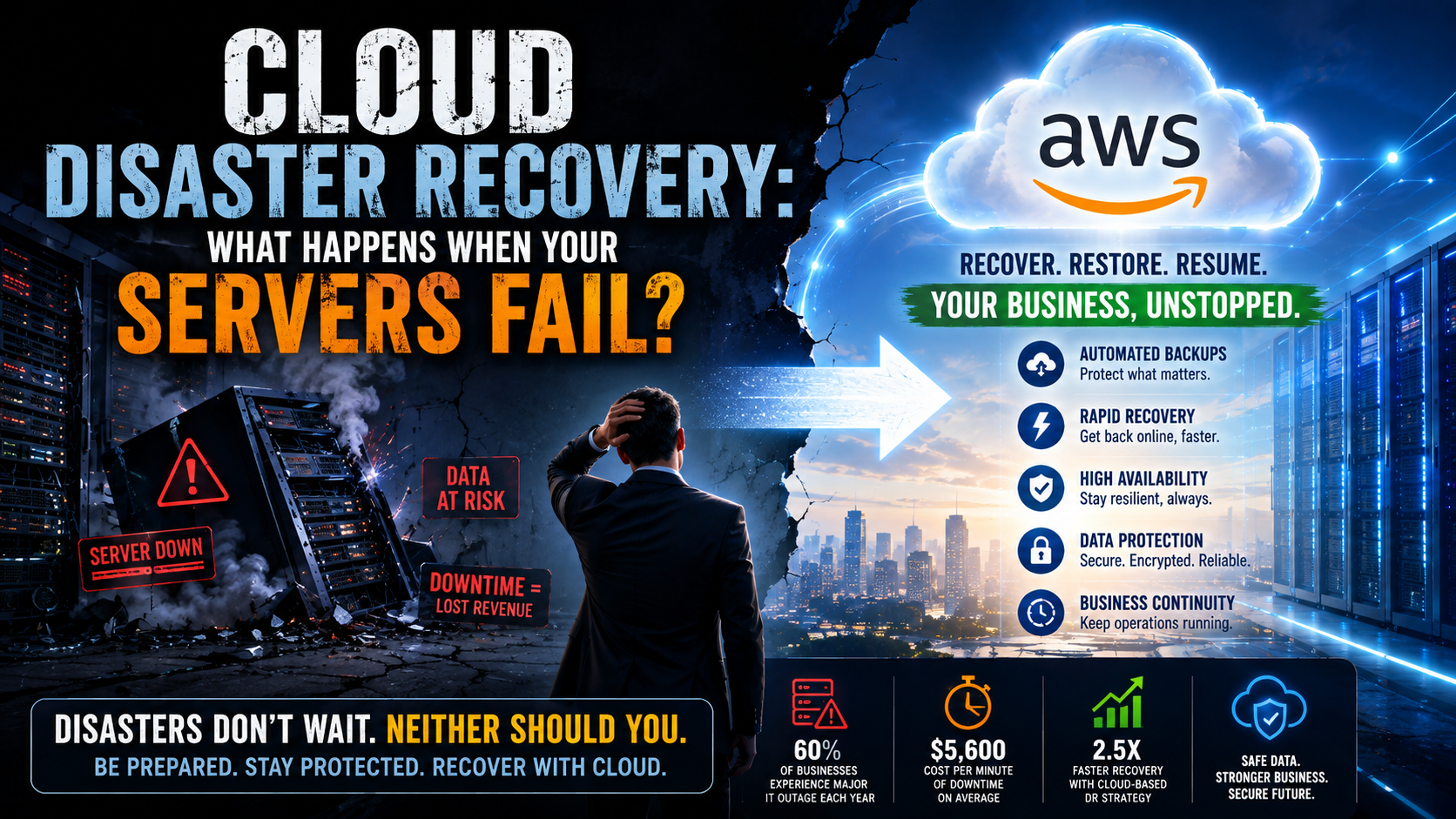
What If Your Servers Stopped Working Tomorrow?
Not next year.
Not someday.
Tomorrow morning.
You open your laptop and the company's main application isn't loading.
You try again.
Nothing.
Then someone calls from the office:
"The server is down."
A few minutes later, the questions start.
Are the backups working?
How much data did we lose?
How long will recovery take?
Can customers still place orders?
What about payroll?
What about today's transactions?
And perhaps the most uncomfortable question:
"How long can we afford to be offline?"
For many businesses, that's when disaster recovery stops being an IT discussion and becomes a business emergency.
Server Failure Isn't the Real Disaster
Servers fail.
Hard drives fail.
Networks go down.
Power outages happen.
People accidentally delete things.
Software updates sometimes go wrong.
Even well-maintained infrastructure isn't immune to problems.
The real disaster is not being prepared when something goes wrong.
A server failure that lasts 20 minutes can be an inconvenience.
The same failure lasting 20 hours can become a serious financial and operational problem.
That's where cloud disaster recovery comes in.
So, What Is Cloud Disaster Recovery?
Cloud disaster recovery is a strategy for protecting your applications, systems, and data so they can be restored after a major failure.
Instead of keeping your only copy of critical information on the same infrastructure that could fail, businesses can use cloud environments to create backups, replicate data, and prepare recovery systems.
The idea is simple:
If something breaks, you shouldn't have to start from zero.
Imagine Your Business Has a Digital "Plan B"
Think about it like this.
Your primary server is your main office.
Your cloud disaster recovery environment is your backup office.
If the main office becomes unavailable, you already have another place to work from.
You don't have to rebuild everything from scratch.
You simply switch to the backup environment and continue operating.
That's the basic idea behind a strong disaster recovery strategy.
What Actually Happens When a Server Fails?
Let's take a real-world example.
Imagine an online retailer processing hundreds of orders every hour.
At 11:15 AM, its primary database server crashes.
Without a proper recovery strategy:
11:15 AM: Server fails.
11:30 AM: IT team begins troubleshooting.
12:30 PM: Engineers discover the problem is more serious than expected.
2:00 PM: Backup restoration begins.
5:00 PM: Some systems are back online.
Customers: Still waiting.
Now imagine the same business has a well-designed cloud disaster recovery setup.
The failure is detected.
The recovery process begins.
Critical systems are restored using replicated data and backup infrastructure.
The business gets back online much faster.
The difference isn't just technical.
It's revenue, customer trust, and reputation.
AWS and Cloud Disaster Recovery
AWS provides several services that can be used as part of a disaster recovery strategy.
Amazon S3
Amazon S3 can store backups, documents, application data, and other critical information with high durability.
AWS Backup
AWS Backup helps centralize and automate data protection across supported AWS services.
Instead of relying on someone to remember to create backups manually, businesses can establish automated backup policies.
Amazon EC2
Businesses can create computing environments that can be launched or scaled when recovery is required.
Amazon RDS
For managed databases, Amazon RDS provides features such as automated backups and recovery capabilities.
AWS Elastic Disaster Recovery
AWS Elastic Disaster Recovery can help organizations recover applications running on physical servers, virtual environments, or other infrastructure into AWS.
The exact architecture depends on the business, its applications, recovery requirements, and budget.
Here's the Part Many Businesses Get Wrong
Having a backup isn't the same as having disaster recovery.
You can have thousands of gigabytes of backups and still have a terrible recovery plan.
Why?
Because someone needs to answer:
Where is the backup?
How quickly can we restore it?
Who is responsible for recovery?
What systems need to come back first?
What happens if the primary region becomes unavailable?
When was the last successful recovery test?
A backup that has never been tested is basically a promise.
And promises aren't enough when the business is already offline.
Two Numbers Every Business Should Know
There are two concepts worth understanding:
RTO — Recovery Time Objective
RTO answers:
"How quickly do we need to get the system back online?"
For some businesses, a few hours may be acceptable.
For others, even 15 minutes could be too long.
RPO — Recovery Point Objective
RPO answers:
"How much data can we afford to lose?"
If your RPO is one hour, you may accept losing up to an hour of recent data.
If your business requires near-zero data loss, you'll need a much more aggressive recovery strategy.
These aren't just technical numbers.
They're business decisions.
Not Every Application Needs the Same Recovery Plan
This is where disaster recovery gets interesting.
A company's email system might not be as urgent as its payment platform.
An internal reporting tool might be able to stay offline for several hours.
A customer-facing application might need to return within minutes.
Trying to give every system the same recovery strategy can be unnecessarily expensive.
A better approach is to classify applications according to their business importance.
Critical systems → fastest recovery
Important systems → moderate recovery
Non-critical systems → recover when resources allow
This helps businesses spend money where downtime actually hurts.
What About Cyberattacks?
Disaster recovery isn't only about hardware failure.
Consider ransomware.
An attacker encrypts your production systems.
Your employees can't access files.
Your applications stop working.
If your only backups are connected to the same environment, they could potentially be affected too.
A well-designed recovery strategy considers cyber incidents as well as technical failures.
That means thinking about backup isolation, access controls, encryption, monitoring, and recovery testing.
The Most Important Part? Test It.
Here's an uncomfortable truth.
Many organizations discover their disaster recovery plan doesn't work when they actually need it.
The backup didn't complete.
The credentials expired.
A dependency was forgotten.
The recovery process was never documented.
Nobody knows who should make the final decision.
Testing changes that.
A disaster recovery test doesn't need a real disaster.
Teams can simulate failures, test restoration procedures, measure recovery times, and identify gaps before customers are affected.
It is much better to discover a problem during a scheduled test than during a Monday morning outage.
How Cloud Changes Disaster Recovery
Traditional disaster recovery could require duplicate physical infrastructure, additional data centers, hardware, networking equipment, and significant maintenance.
Cloud platforms offer another approach.
Businesses can build recovery environments using cloud resources and scale them according to their requirements.
This can make disaster recovery more flexible and accessible, particularly for organizations that don't want to maintain a second physical data center.
But cloud doesn't magically solve disaster recovery.
Good architecture still matters.
The Goal Isn't Zero Problems
No technology strategy can guarantee that nothing will ever go wrong.
That's not the goal.
The goal is to make sure that when something does go wrong, the business knows what to do next.
A strong disaster recovery strategy gives teams:
A clear recovery process
Reliable backups
Defined recovery objectives
Tested procedures
Controlled access
Better business continuity
Faster recovery
In other words, it replaces panic with preparation.
Final Thought
Most businesses don't think about disaster recovery when everything is working.
Why would they?
The website is online.
Employees are working.
Customers are placing orders.
Everything looks normal.
But that's exactly when disaster recovery should be planned.
Because when the server finally fails, it's too late to start asking what the backup strategy should have been.
The best disaster recovery plan is the one your business never needs to use.
But if that day comes, you'll be glad you built it.
Because servers can fail.
Data can disappear.
Systems can go offline.
Your business shouldn't have to.
Did you find this helpful?