One AWS Misconfiguration Can Expose Your Entire Business | Savishty

One AWS Misconfiguration Can Expose Your Entire Business
Cloud security is often treated like a complex engineering problem.
In reality, one of the biggest risks can come from something much simpler: a single misconfigured AWS resource.
An incorrectly configured S3 bucket. An overly permissive IAM policy. A security group open to the public internet. A forgotten access key. A database that was never properly restricted.
None of these necessarily requires an advanced cyberattack to become a serious problem.
As businesses move more applications, data, APIs, and workloads to AWS, the cloud environment also becomes more complex. More services mean more configurations—and more opportunities for something to be overlooked.
The important question is not whether your organization uses AWS securely today.
It is whether your AWS environment stays secure as it changes tomorrow.
How One Small Configuration Error Becomes a Big Problem
Modern AWS environments rarely remain static.
A developer creates a new resource.
A team launches a new application.
A temporary firewall rule is added.
A contractor receives access.
A test environment is created.
An IAM policy is modified.
Over time, these changes can accumulate.
A configuration that was acceptable for testing may become dangerous in production.
For example, imagine an S3 bucket containing customer documents. During development, someone makes the bucket publicly accessible to simplify testing.
The application works.
The team moves on.
But if that setting remains when sensitive information is uploaded, the problem is no longer a development convenience. It becomes a potential data exposure.
This is why cloud security isn't only about deploying security tools. It is also about continuously managing configuration and access.
7 AWS Misconfigurations Businesses Should Watch
1. Publicly Accessible S3 Buckets
Amazon S3 is widely used for storing documents, backups, application assets, logs, and other data.
A poorly configured bucket can unintentionally expose information that should remain private.
Organizations should review:
- Bucket policies
- Access control settings
- Public access configuration
- IAM permissions
- Encryption settings
- Logging and monitoring
The goal should be simple: only the people and applications that need the data should have access to it.
2. Overly Permissive IAM Policies
Identity and Access Management is one of the foundations of AWS security.
A common mistake is granting more permissions than a user, application, or service actually needs.
For example, an application that only needs to read objects from one S3 bucket probably shouldn't have broad permissions across an entire AWS account.
This is where the principle of least privilege becomes important.
Give identities the minimum access required to perform their job—and review those permissions regularly.
3. Security Groups Open to the Internet
Security groups control network access to AWS resources.
A rule such as:
"0.0.0.0/0"
can mean access from anywhere on the internet, depending on the port and configuration.
That doesn't automatically mean the resource is compromised. But exposing services unnecessarily increases the attack surface.
Businesses should carefully review publicly exposed ports, especially administrative services and databases.
4. Exposed Access Keys and Credentials
Credentials accidentally committed to Git repositories, shared in documents, embedded in applications, or stored insecurely can create a serious security risk.
Developers should avoid hardcoding long-term AWS credentials into applications.
Instead, organizations should use appropriate identity mechanisms, short-lived credentials where possible, secure secret management, and regular credential rotation.
5. Unrestricted Database Access
Databases containing customer, financial, operational, or internal information should not be directly exposed to the public internet unless there is a specific and carefully controlled requirement.
A secure architecture typically places sensitive database resources behind appropriate network controls and allows access only from authorized application components or users.
6. Forgotten Resources and Test Environments
Not every security problem comes from production.
Development and testing environments can contain real customer data, credentials, application secrets, or copies of production systems.
Temporary resources also have a habit of becoming permanent.
Unused EC2 instances, old databases, forgotten storage buckets, snapshots, IAM users, and test environments should be regularly reviewed.
7. Missing Monitoring and Logging
Even a well-configured environment can change.
That's why visibility matters.
Organizations should understand:
- Who is accessing resources
- What configuration changes are happening
- Where unusual activity is occurring
- Which resources are exposed
- Whether security controls are functioning as expected
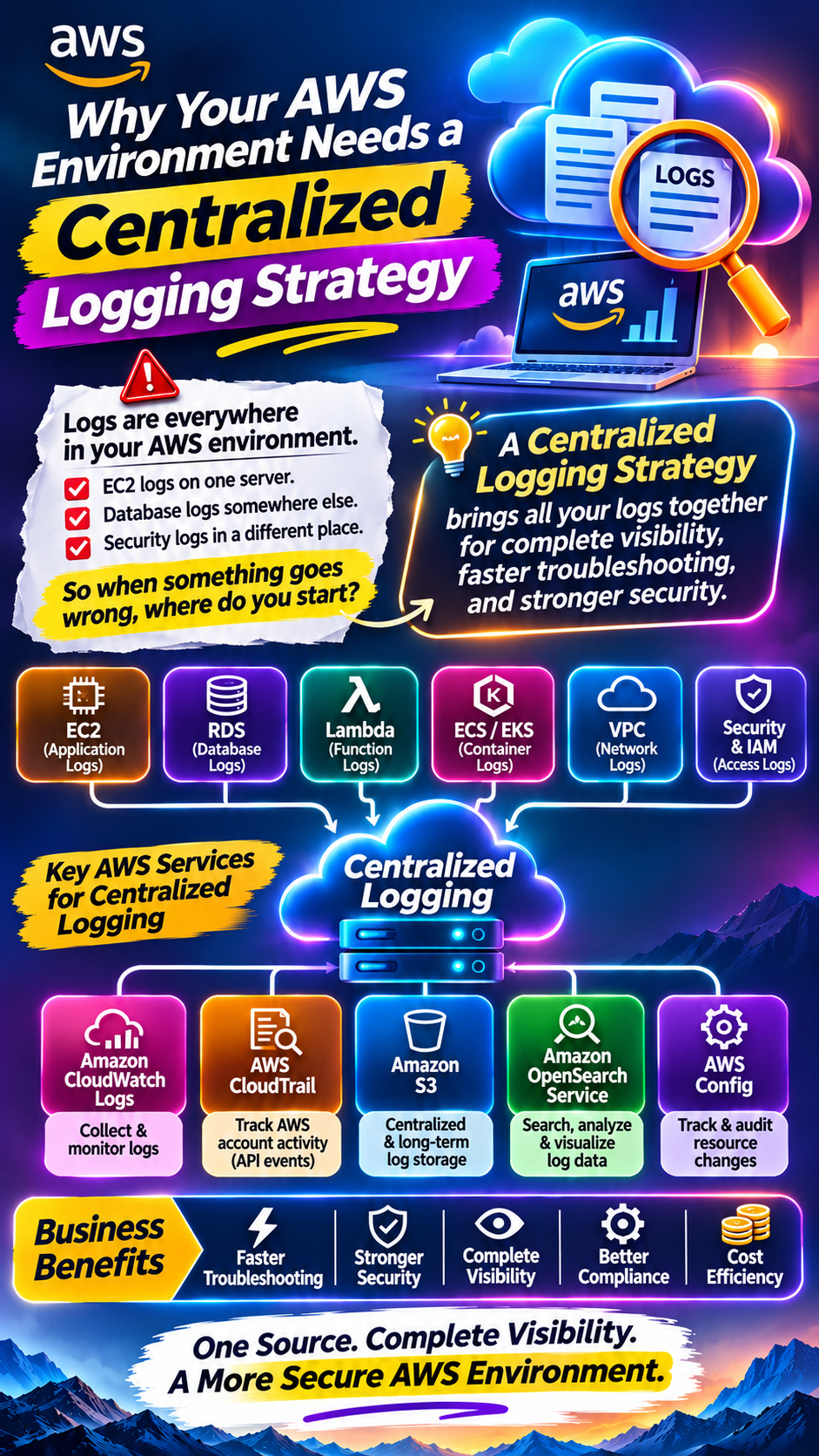
AWS services such as CloudTrail, CloudWatch, and AWS Config can form part of a broader monitoring and governance strategy.
The Biggest Problem: Cloud Environments Keep Changing
This is perhaps the most important point.
Cloud security is not a one-time activity.
You can perform a security review today and discover that the environment looks perfectly configured.
A week later:
A developer changes an IAM policy.
A new API is deployed.
A temporary security-group rule is added.
A new S3 bucket is created.
A new third-party integration gets access.
The environment has changed.
This is why businesses need continuous cloud security and configuration management, rather than relying only on periodic audits.
A Practical AWS Security Checklist
Organizations can start with a simple review.
Identity
- Review IAM users, roles, and policies.
- Remove unnecessary permissions.
- Apply least-privilege access.
- Avoid unnecessary long-term credentials.
- Enable strong authentication controls.
Storage
- Review S3 bucket access.
- Block unnecessary public access.
- Encrypt sensitive information.
- Review backups and snapshots.
- Remove unused storage resources.
Network
- Review security groups.
- Minimize publicly exposed ports.
- Restrict database access.
- Review internet-facing resources.
- Separate sensitive workloads where appropriate.
Monitoring
- Enable appropriate logging.
- Monitor configuration changes.
- Review unusual activity.
- Establish alerts for important security events.
- Regularly review security findings.
Governance
- Establish cloud security policies.
- Define ownership for AWS resources.
- Tag resources appropriately.
- Review permissions periodically.
- Automate security checks wherever practical.
Security Should Be Part of the Architecture
One of the biggest mistakes businesses can make is treating security as something to add after the infrastructure has been built.
Security should be considered when the architecture is designed.
For example:
Before deployment:
Define access, networking, encryption, monitoring, and compliance requirements.
During deployment:
Use secure infrastructure configurations and automated checks.
After deployment:
Continuously monitor configuration, access, and activity.
This approach helps move security from a reactive process to a continuous one.
What Businesses Should Do Next
You don't necessarily need to rebuild your entire AWS environment.
Start with visibility.
Identify:
1. What AWS resources you have.
2. Who has access to them.
3. Which resources are publicly accessible.
4. Which sensitive data is stored in the cloud.
5. Which credentials and secrets exist.
6. What configuration changes have occurred.
7. Which workloads are no longer required.
8. Whether monitoring and alerting are working properly.
Then prioritize the highest-risk findings.
Not every configuration issue has the same impact. A publicly accessible sensitive database deserves very different attention from an unused development resource with no sensitive data.
Final Thought
AWS gives businesses enormous flexibility.
But that flexibility comes with responsibility.
The same infrastructure that allows a startup to deploy globally can also introduce security risks when permissions, networking, storage, or monitoring are poorly configured.
And the most dangerous problem may not look like a sophisticated cyberattack.
It could be one checkbox, one policy, one open port, or one forgotten credential.
The goal isn't to make your AWS environment impossible to use.
The goal is to build an environment where access is intentional, configurations are controlled, changes are visible, and security is continuously maintained.
Because in the cloud, security isn't something you configure once.
It's something you manage continuously.
Did you find this helpful?