Why Your AWS Environment Gets More Expensive as You Scale | Savishty

Why Your AWS Environment Gets More Expensive as You Scale
At first, your AWS bill looks harmless.
Maybe you're spending a few hundred dollars a month.
Then your product grows.
More users.
More databases.
More APIs.
More environments.
More logs.
More backups.
More data.
And suddenly, the AWS bill that once felt insignificant becomes one of your company's largest technology expenses.
The surprising part?
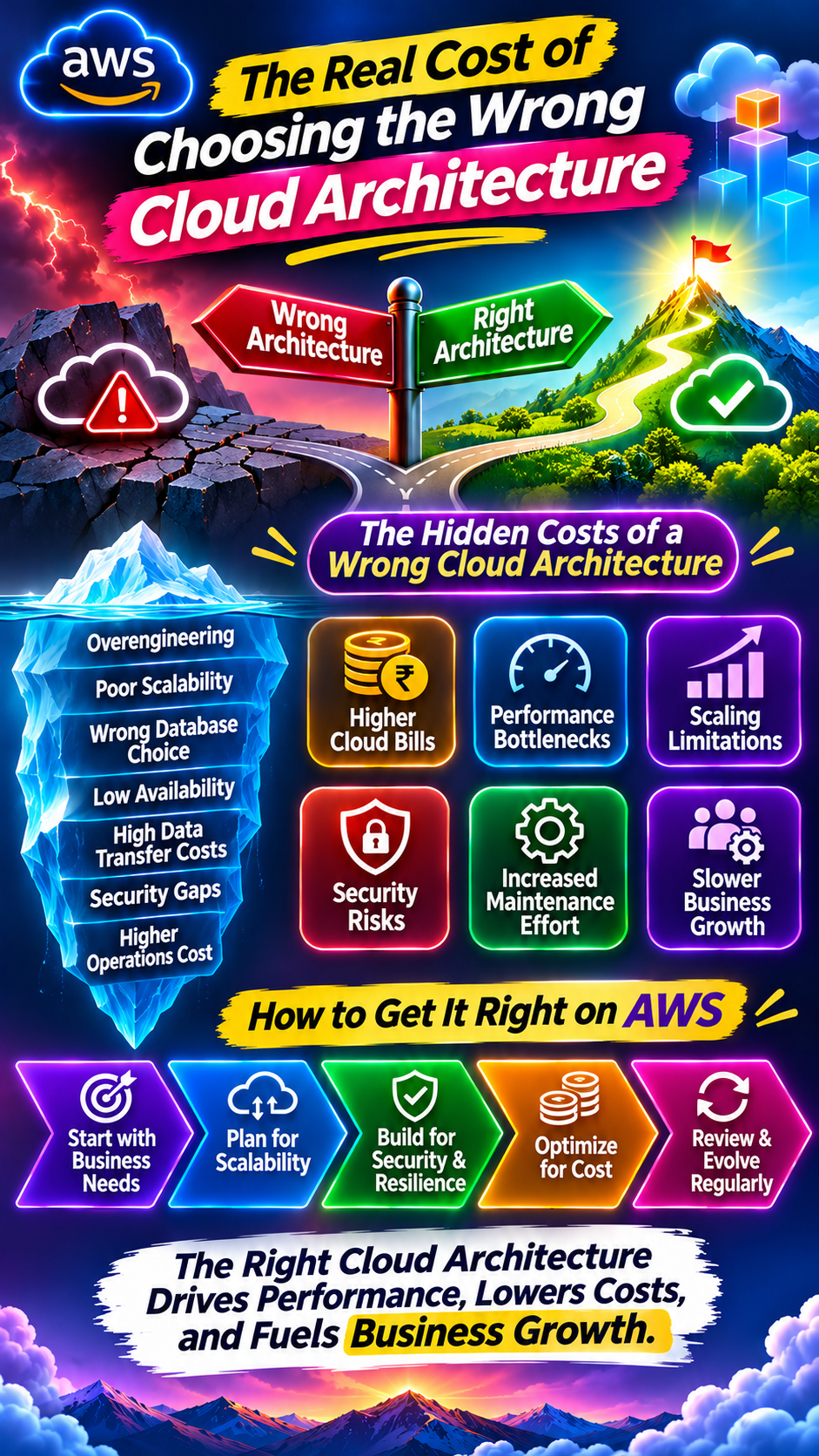
AWS didn't necessarily become more expensive. Your infrastructure became more complex.
As businesses scale, they often add resources faster than they optimize them. AWS itself recommends ongoing rightsizing because workload requirements change over time and can leave resources underused or idle. �
AWS Documentation +1
So why does AWS spending tend to grow—and where does the money actually go?
1. More Customers Means More Infrastructure
This is the obvious one.
When your business grows, usage usually grows with it.
More users can mean:
More EC2 or container capacity
More database activity
More storage
More API requests
More network traffic
More backups
More monitoring data
If your infrastructure scales correctly with demand, that's not necessarily a problem.
The problem starts when infrastructure grows faster than actual business usage.
For example:
Customers increase by 30%, but infrastructure costs increase by 80%.
That's when you need to investigate.
Growth should increase costs when usage genuinely increases—but the relationship shouldn't be ignored.
2. You Start Adding “Just One More” Resource
This happens everywhere.
A developer needs a test server.
“Just create one.”
A new project needs a database.
“Just create one.”
The security team needs another environment.
“Just create one.”
A new application gets launched.
“Just create one.”
Individually, these decisions seem harmless.
Multiply them across:
Development
Testing
Staging
Production
QA
Data science
Analytics
Internal tools
…and suddenly there are hundreds or thousands of resources.
Some may no longer be needed.
AWS Compute Optimizer can identify certain idle resources and provide recommendations to stop, delete, or scale them down. �
AWS Documentation
The problem isn't creating resources.
It's forgetting about them.
3. Your Infrastructure Gets Over-Provisioned
This is one of the most common reasons cloud costs creep upward.
Imagine an application actually needs:
4 vCPUs + 16 GB RAM
But the team provisions:
16 vCPUs + 64 GB RAM
Why?
“Just to be safe.”
That safety margin has a monthly price.
AWS defines rightsizing as matching resources to workload performance and capacity requirements while looking for opportunities to downsize or eliminate resources that aren't needed. �
AWS Documentation
And here's the problem:
Your workload today may not look like your workload six months from now.
That's why rightsizing isn't a one-time migration activity.
It's an ongoing process. �
AWS Documentation
4. Scaling Adds Complexity—Not Just Capacity
As your company grows, you probably don't keep one server.
You add:
Auto Scaling
Load balancers
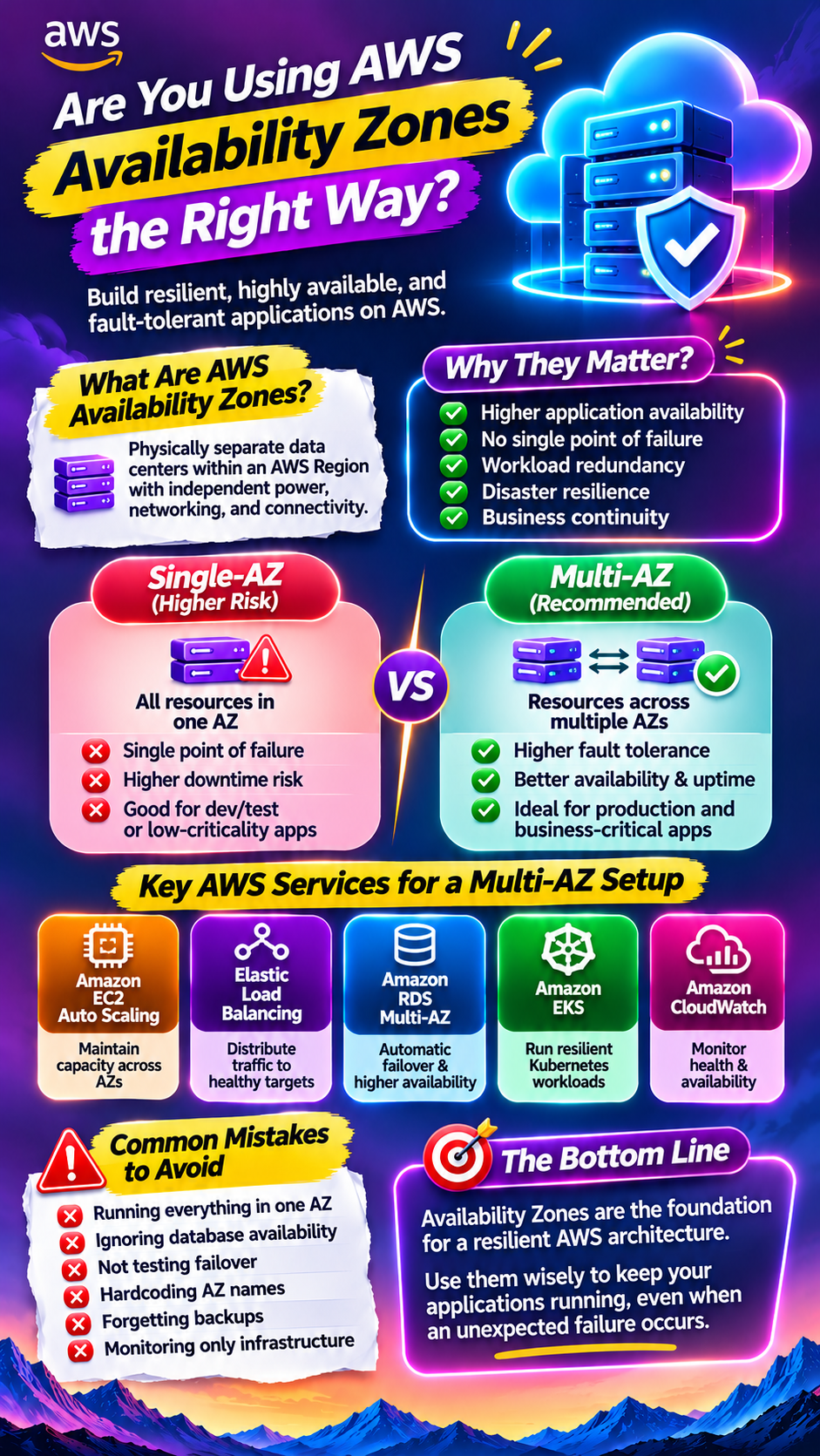
Multiple Availability Zones
More databases
Caching
Queues
Containers
Monitoring
Security layers
That's good architecture in many cases.
But every additional component can introduce another cost dimension.
Your AWS environment may gradually transform from:
Application → EC2 → Database
into:
Users → CDN → Load Balancer → Containers → Cache → Database → Queue → Workers → Storage → Monitoring
The architecture is more resilient.
But it's also more expensive to operate.
The goal isn't to avoid complexity.
It's to make sure every piece of complexity has a reason to exist.
5. Your Data Starts Costing More
Early-stage applications may have relatively little data.
Then your company grows.
Suddenly you're storing:
Customer files
Images
Videos
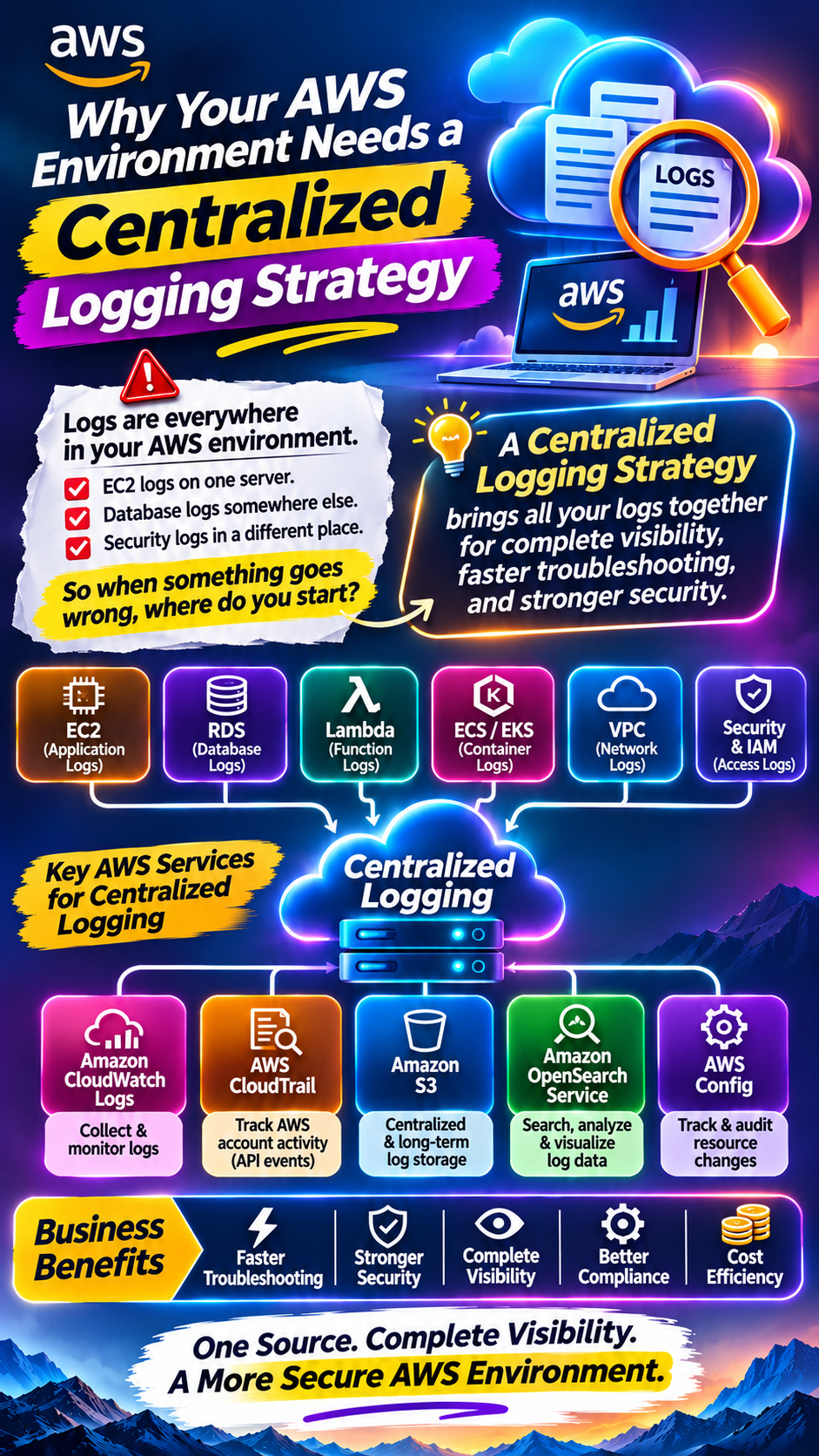
Logs
Backups
Analytics data
Database snapshots
Machine-learning datasets
Storage grows quietly.
And because storage doesn't necessarily cause an obvious performance problem, teams often don't review it frequently.
The result?
A growing pile of:
“We might need this someday.”
That can become expensive at scale.
A good cloud-cost review should therefore examine not just compute, but also storage utilization, retention policies and backup requirements.
6. Network Traffic Can Become a Hidden Cost
This is one of the areas teams sometimes discover late.
Your application isn't just using compute.
It's constantly moving data.
Between:
Availability Zones
Services
Regions
Databases
Applications
External users
Third-party services
Some architectures can generate significant data-transfer charges.
NAT Gateway is another example: AWS charges both for the gateway's availability and for each GB of data it processes. AWS also notes that using appropriate VPC endpoints can reduce some traffic costs, depending on the architecture. �
AWS Documentation
At small scale, a network design may appear inexpensive.
At massive scale:
Small per-GB costs × huge data volume = significant spending.
7. Development Environments Keep Running
Production gets attention.
Development often doesn't.
A developer creates an environment on Monday.
The project changes direction on Wednesday.
The environment stays there until Friday.
Then next week.
Then next month.
Multiply this by several teams.
Now you have:
Non-production infrastructure running 24/7.
For workloads that don't need to run continuously, scheduling shutdowns or scaling environments down during inactive periods can reduce unnecessary spend. AWS specifically highlights stopping resources during non-operating hours as one cost-optimization approach. �
Amazon Web Services, Inc.
8. Logs and Monitoring Grow With Your Business
Monitoring is essential.
But monitoring itself generates data.
As your business grows, you may have more:
Application logs
Access logs
Security logs
Metrics
Traces
Audit records
Monitoring data
A small application might generate a manageable amount of logs.
A large application can generate enormous volumes.
And if retention policies aren't reviewed, old logs can accumulate.
The answer isn't:
“Stop monitoring.”
It's:
“Monitor intelligently and define appropriate retention.”
9. High Availability Comes With a Price
As businesses mature, they usually want better reliability.
Instead of one server:
Run multiple servers.
Instead of one Availability Zone:
Use multiple Availability Zones.
Instead of one database:
Add redundancy and failover.
Instead of one Region:
Consider multi-Region architecture for workloads that require it.
That's often the right direction for critical workloads.
But higher resilience can increase infrastructure costs.
The key is to match resilience to business requirements.
A system that can tolerate four hours of downtime doesn't necessarily need the same architecture as a global service that requires extremely low recovery time.
10. AI Can Push Costs Even Higher
Now add AI.
AI workloads can introduce:
GPU instances
Model inference
Vector databases
Data processing
AI APIs
Large storage requirements
Additional networking
Model monitoring
And AI usage can grow very quickly.
A feature that starts with a few thousand requests can become a core product capability.
Then your infrastructure needs to support that demand.
This is why companies building AI products increasingly need to think about:
Cost per request
Cost per customer
Cost per workflow
Cost per token
rather than looking only at the monthly AWS bill.
11. You May Be Paying for Resources You Don't Know Exist
This is the uncomfortable part.
In a growing AWS organization, resources can become difficult to track.
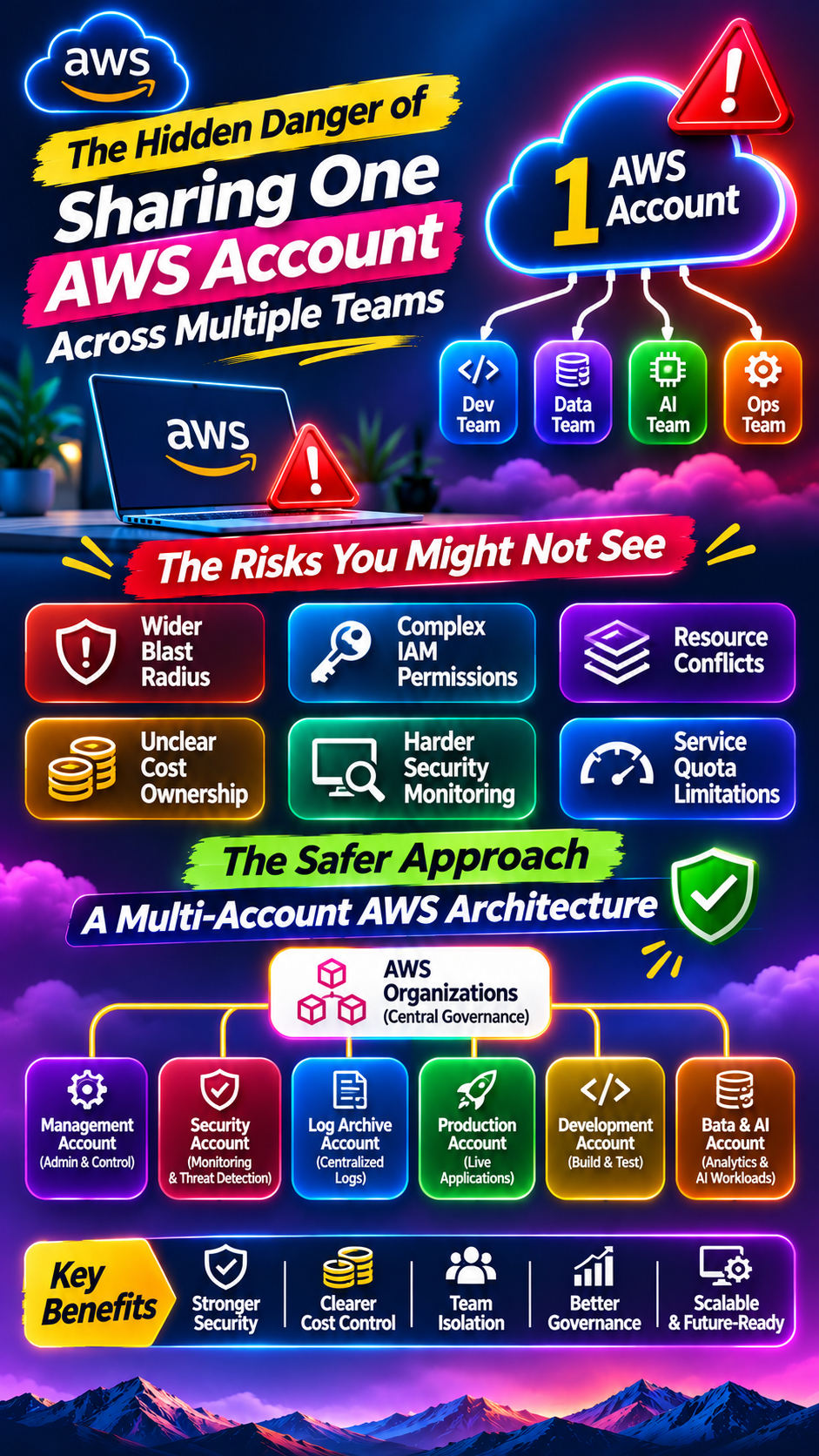
Different teams create different accounts.
Different environments use different naming conventions.
Resources aren't consistently tagged.
Ownership isn't clear.
Eventually someone asks:
“Who owns this?”
And nobody knows.
AWS Cost Optimization Hub is designed to consolidate recommendations across AWS accounts and Regions, including rightsizing, idle-resource deletion, Savings Plans and Reserved Instances. �
AWS Documentation
That kind of centralized visibility becomes increasingly valuable as environments grow.
12. Discounts Don't Fix Bad Architecture
AWS offers pricing mechanisms such as Savings Plans and Reserved Instances that can reduce costs for eligible usage. AWS Cost Management documentation recommends using these alongside resource optimization. �
AWS Documentation
But here's an important distinction:
A discount doesn't make an unnecessary resource necessary.
If you're paying for something you don't need, getting a lower price doesn't solve the underlying problem.
First:
Remove waste.
Then:
Optimize the remaining infrastructure.
Then:
Evaluate commitment-based discounts for predictable usage.
The Real Problem Isn't Growth
Your AWS environment getting more expensive as your business grows is normal.
The real warning sign is when:
Revenue grows 30%
but
AWS costs grow 100%.
That's when you need to investigate.
Your cloud infrastructure should support growth—not quietly consume the economics of that growth.
A Simple AWS Cost Optimization Checklist
If your AWS bill is increasing, start here:
1. Find idle resources
Look for unused EC2 instances, EBS volumes, databases and other resources.
2. Rightsize compute
Compare actual utilization against provisioned capacity.
AWS Compute Optimizer provides recommendations based on utilization and configuration data. �
AWS Documentation
3. Review non-production environments
Ask:
Does this really need to run 24/7?
4. Analyze networking
Look at data-transfer patterns, NAT Gateway usage and cross-AZ traffic.
5. Review storage
Remove unnecessary data and define retention policies.
6. Check database capacity
Look for oversized instances and unnecessary capacity.
7. Review logs
Keep what you need.
Archive or remove what you don't.
8. Tag resources
Every major resource should have clear ownership and purpose.
9. Track costs by team or application
Don't just look at the total AWS bill.
Find out who is spending what and why.
10. Review your architecture regularly
Your infrastructure should evolve as your workload evolves.
The Bigger Lesson
Cloud doesn't become expensive simply because you use more of it.
It becomes expensive when growth creates infrastructure faster than it creates optimization discipline.
At 10 servers, you can manually inspect your environment.
At 1,000 servers, you need automation.
At 10,000 resources, you need governance, tagging, cost allocation, monitoring and continuous optimization.
That's the difference between:
Using AWS
and
Operating AWS at scale.
Final Thought
Your AWS bill increasing as your company grows isn't necessarily a problem.
The important question is:
“Is our cloud spending growing because our business is growing—or because our infrastructure is becoming inefficient?”
That distinction can make a huge difference.
Because the goal isn't to make your AWS bill as small as possible.
The goal is to make sure every dollar spent on AWS is helping your business run, scale, or innovate.
Growth should increase your cloud usage. It shouldn't increase your cloud waste.
Did you find this helpful?