
AWS Lambda Cold Starts: Why Your Function Is Slower Than Expected | Savishty
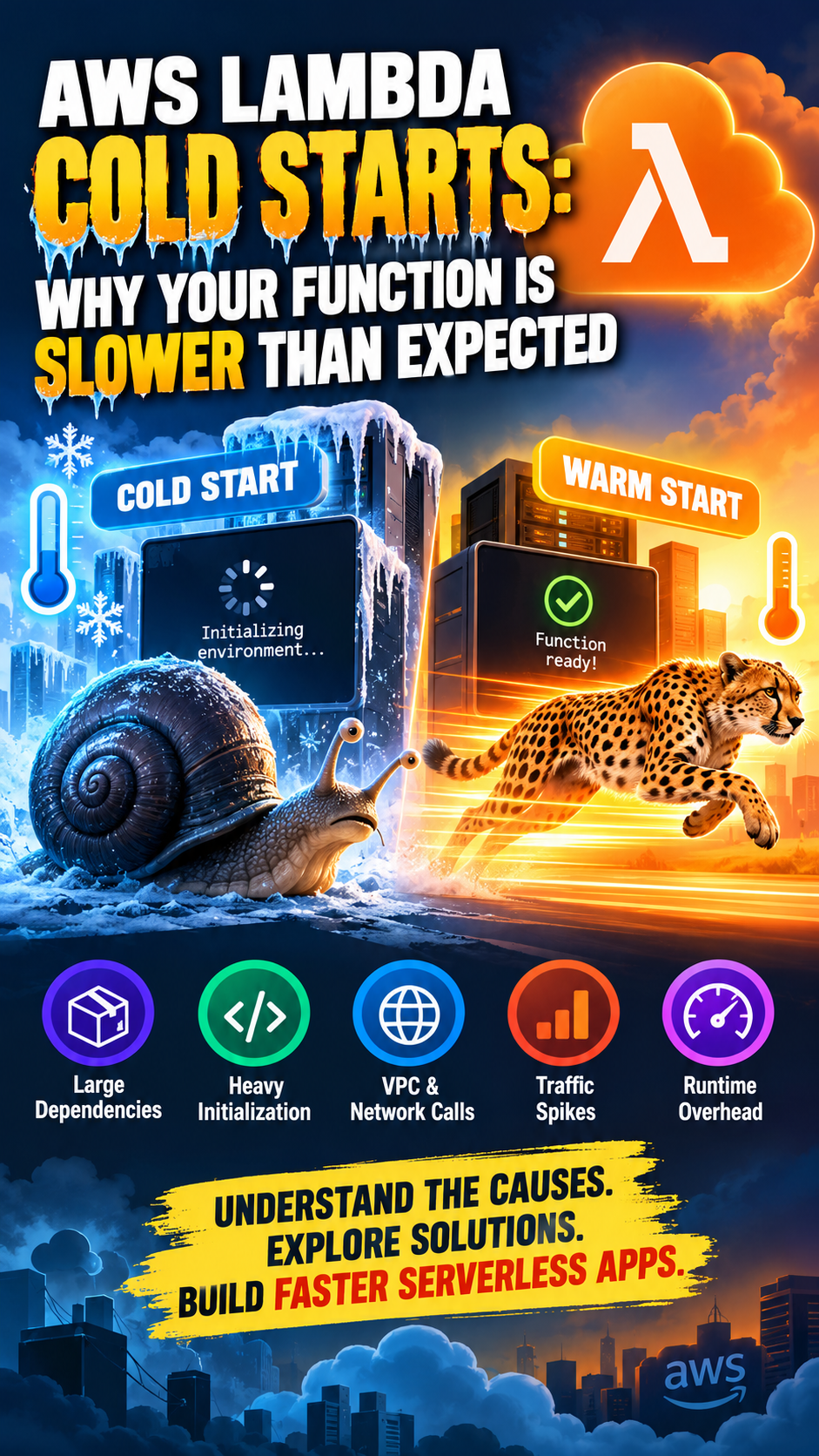
Your AWS Lambda function works perfectly during testing. API requests return quickly, your application feels responsive, and everything looks good.
Then, in production, the first request takes noticeably longer than the next few. Users experience delays, API response times fluctuate, and your serverless application doesn't feel as fast as expected.
One possible reason is an AWS Lambda cold start.
Cold starts are a normal part of serverless computing, but understanding what causes them can help you reduce latency, improve user experience, and make better architectural decisions.

AWS Lambda
+1
What Is an AWS Lambda Cold Start?

An AWS Lambda cold start happens when AWS needs to prepare a new execution environment before running your function.
Unlike a continuously running server, Lambda creates execution environments on demand. When a suitable initialized environment isn't available, Lambda must perform initialization before executing your application code.
This process typically includes:
Preparing the execution environment.
Starting the language runtime.
Loading your function code and dependencies.
Executing initialization code outside the handler.
Running the actual function.
Once the environment is ready, Lambda can reuse it for subsequent invocations. These are commonly called warm starts, and they generally have less initialization overhead.
AWS Lambda
+1
Cold Start vs. Warm Start
Factor
Cold start
Warm start
Environment
New environment needs initialization
Existing environment is reused
Runtime startup
Required
Usually already completed
Initialization code
Runs for the new environment
Usually not repeated
Response time
May be higher
Usually lower
Behavior
More likely with new capacity
Depends on environment reuse
The key takeaway: Lambda isn't necessarily slow. Your function may simply be paying the initialization cost before processing a request.
Why Is Your AWS Lambda Function Slower Than Expected?


9
Several factors can contribute to cold-start latency. The biggest bottleneck depends on your runtime, dependencies, initialization logic, and workload.
1. Heavy Dependencies and Large Deployment Packages
Your function may contain libraries that take significant time to load.
For example, a Python function that imports multiple data-processing libraries or a Node.js function that loads a large dependency tree may spend considerable time initializing before the handler starts.
How to improve it:
Remove unused dependencies and files.
Import only the libraries your function needs.
Use smaller, focused packages.
Review Lambda layers and container image sizes.
Avoid loading large modules that are only needed for occasional operations.
Smaller packages and less initialization work can help reduce startup overhead.

AWS Compute Blog
+1
2. Too Much Work Outside the Handler
Consider this example:
import boto3import pandas as pdimport requests# Initialization happens outside the handlers3 = boto3.client("s3")def lambda_handler(event, context): # Your business logic return {"statusCode": 200, "body": "Success"}The S3 client is created during initialization and can be reused by later invocations handled by the same execution environment.
However, loading unnecessary libraries, reading large files, or performing expensive setup operations at the module level can increase cold-start duration.
How to improve it: Keep essential reusable initialization outside the handler, but defer expensive setup until it's actually needed. This technique is called lazy initialization.
AWS Lambda
+1
3. Choosing a Runtime Without Considering Startup Behavior
Different runtimes have different initialization characteristics. Python and Node.js often work well for lightweight event-driven functions, while Java and .NET applications may require more initialization depending on their frameworks and configuration.
That doesn't mean you should automatically switch languages. A runtime change may introduce development, compatibility, or maintenance costs.
How to improve it:
Use a runtime supported by your application and AWS.
Keep frameworks lightweight where practical.
Measure initialization performance under realistic conditions.
Consider runtime-specific features such as SnapStart where supported.
Choose a runtime based on the overall application requirements, not cold-start speed alone.
AWS Compute Blog
+1
4. VPC Configuration and Network Dependencies
If your Lambda function connects to private databases or other resources inside an Amazon VPC, its network configuration can affect performance.
AWS has improved Lambda's VPC networking, so VPC attachment should not automatically be blamed for every cold start. The actual delay may also come from establishing database connections, DNS lookups, authentication, or downstream service calls.
How to improve it:
Attach Lambda to a VPC only when your architecture requires it.
Review database connection setup and connection reuse.
Check security groups, routing, and network access.
Measure downstream latency separately from Lambda initialization.
The objective is to identify whether the delay occurs during initialization, network setup, or application execution.
AWS Compute Blog
+1
5. Sudden Traffic Spikes and Concurrency
Lambda automatically scales by creating execution environments to handle concurrent requests. When traffic suddenly increases, new environments may need to initialize.
For example, an e-commerce application might receive a sudden wave of requests during a sale. Even if existing environments respond quickly, requests that require new environments can experience additional startup latency.
How to improve it:
Monitor concurrency and request patterns.
Load-test the function against expected traffic spikes.
Consider Provisioned Concurrency for latency-sensitive endpoints.
Review throttling and concurrency limits.
Cold starts aren't limited to the first request after deployment. Scaling can introduce new environments whenever additional execution capacity is needed.
AWS Compute Blog
+1
How to Reduce AWS Lambda Cold Starts
Here are six practical strategies to improve Lambda startup performance.
1. Enable Provisioned Concurrency
Provisioned Concurrency prepares execution environments in advance and keeps them ready for incoming requests.
It is particularly useful for:
Customer-facing APIs.
Authentication and payment workflows.
Interactive applications.
Functions with strict response-time requirements.
The trade-off is cost: you pay for configured provisioned capacity, including periods when that capacity isn't fully used. You must also configure it for the appropriate published version or alias and allocate enough capacity for expected traffic.
AWS Lambda
+1
2. Use AWS Lambda SnapStart Where Supported
SnapStart creates a snapshot of an initialized execution environment for supported runtime configurations. Lambda can restore from this snapshot rather than performing all initialization from scratch.
This can significantly reduce initialization latency for suitable applications, particularly those with expensive runtime startup.
Before enabling it, check the supported runtime and configuration requirements in the official AWS Lambda SnapStart documentation.
3. Increase Lambda Memory When Testing Shows a Benefit
Lambda memory configuration also determines the CPU resources allocated to the function. Increasing memory can improve the speed of CPU-intensive initialization and execution.
However, more memory does not guarantee a faster cold start for every workload.
Test several memory settings and compare both latency and total cost. AWS's Lambda Power Tuning tool can help evaluate these trade-offs.
AWS Compute Blog
+1
4. Keep Initialization Code Lightweight
Review everything that runs before the handler.
Avoid unnecessary file reads, large framework initialization, and expensive operations that aren't required for every invocation. Reuse SDK clients and suitable connections across invocations when the execution environment is reused.
Remember that execution environments can be replaced at any time, so your application must not rely on their in-memory state for durable storage.
5. Optimize Dependencies and Packaging
Remove unused libraries, reduce unnecessary Lambda layers, and avoid oversized container images.
For functions with many responsibilities, consider splitting unrelated workloads into smaller, focused functions. However, don't break a function apart without considering the added network calls, operational complexity, and latency of the overall request path.
6. Measure Before and After Every Change
Use Amazon CloudWatch metrics and Lambda logs to understand what is actually slow.
Track:
Duration: How long function invocations take.
Init Duration: Initialization time reported in relevant Lambda logs.
Errors and timeouts: Whether performance problems coincide with failures.
ConcurrentExecutions: How much execution capacity is being used.
Provisioned concurrency metrics: Whether configured capacity is being used or exceeded.
Compare cold and warm invocations, and examine tail latency such as p95 and p99 where your monitoring setup supports it. This helps you optimize the requests that users are most likely to notice rather than focusing only on average execution time.
AWS Lambda
+2
A Real-World Example: An API That Feels Slow
Imagine your application uses API Gateway and AWS Lambda to retrieve customer information.
Warm request: The execution environment is already initialized, so the function can begin processing quickly.
Cold request: Lambda initializes a new environment, loads dependencies, and executes setup code before processing the request.
Optimized request: A lighter package, efficient initialization, and Provisioned Concurrency where necessary help reduce startup delays.
The important point is that end-to-end API latency includes more than Lambda execution time. API Gateway, database queries, authentication, and other dependencies can also contribute.
A good troubleshooting process measures each part of the request rather than assuming every slow response is caused by a cold start.
Cold Start Optimization: Which Solution Should You Choose?
Your situation
Recommended approach
Large dependencies
Reduce package size and unnecessary imports
Heavy initialization
Optimize initialization and use lazy loading
Predictable, low-latency APIs
Evaluate Provisioned Concurrency
Supported runtime with expensive startup
Evaluate SnapStart
CPU-intensive initialization
Benchmark memory settings
Unexplained latency spikes
Investigate CloudWatch logs and metrics
There is no universal fix. The best solution depends on your workload, latency targets, runtime, traffic patterns, and budget.
Final Thoughts
AWS Lambda cold starts are not necessarily a sign of poor architecture. They are a consequence of how serverless execution environments are initialized and scaled.
The real challenge is understanding when startup latency matters and choosing the right optimization for your application.
Start by measuring initialization time, reducing unnecessary setup, optimizing dependencies, and testing realistic traffic patterns. If your application requires consistently low latency, evaluate Provisioned Concurrency or SnapStart where appropriate.
The goal isn't simply to eliminate cold starts. It's to deliver predictable performance without paying for optimizations your application doesn't need.
Did you find this helpful?