Why Companies Are Moving From Traditional Servers to Cloud | Savishty
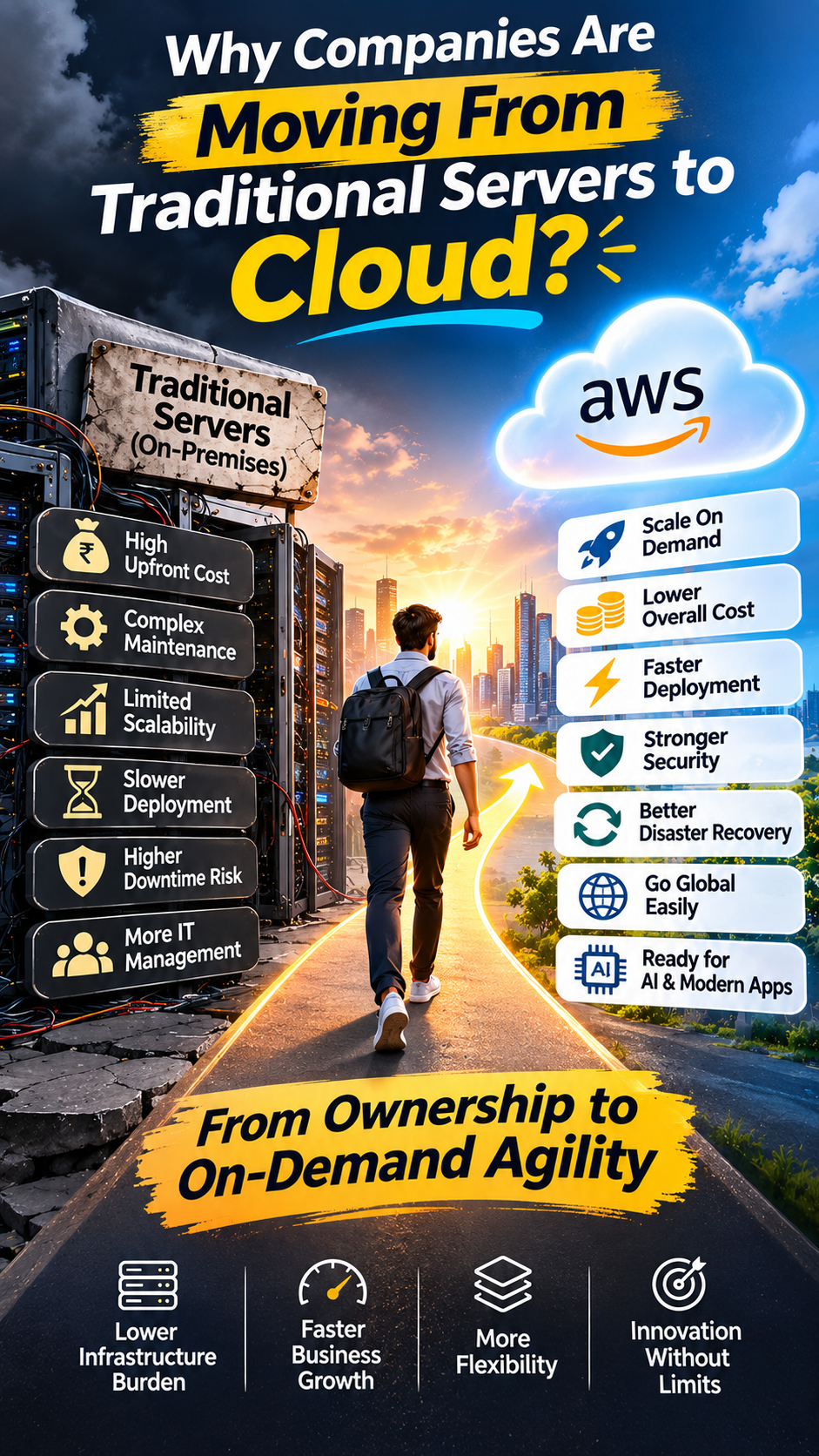
The shift from traditional servers to cloud computing is no longer just a technology upgrade. It's a business decision.
Companies today want faster deployment, better scalability, lower infrastructure management overhead, stronger disaster recovery, and the flexibility to grow without constantly investing in physical hardware.
But does moving to the cloud automatically make a business faster, cheaper, and more secure?
Not necessarily.
Let's explore why organizations are moving away from traditional server infrastructure, what they gain from cloud computing, and what businesses should consider before making the transition.
Why Companies Are Moving From Traditional Servers to Cloud
For years, businesses relied on physical servers and on-premises data centers to run their applications, store data, and manage IT operations.
That model worked.
But as businesses expanded, customer expectations changed, applications became more demanding, and digital transformation accelerated.
Traditional infrastructure started creating challenges.
Buying new hardware took time. Scaling required additional investment. IT teams had to manage maintenance, upgrades, backups, cooling, power, and hardware failures.
Meanwhile, competitors were deploying applications faster, expanding into new markets, and scaling their infrastructure on demand.
This is where cloud computing changed the game.
Today, organizations are increasingly evaluating cloud platforms such as Amazon Web Services (AWS), Microsoft Azure, and Google Cloud.
The shift isn't just about replacing physical servers. It's about changing how businesses build, operate, and scale technology.
Let's understand why.
1. Traditional Servers Require Heavy Upfront Investment
Imagine a company planning to launch a new application.
With traditional infrastructure, it may need to:
Purchase physical servers.
Invest in networking equipment.
Arrange data center space.
Set up power and cooling.
Install operating systems.
Configure security.
Hire IT professionals for maintenance.
And here's the challenge: businesses often need to purchase capacity before they know exactly how much they will use.
If demand increases, additional hardware may be required.
If demand decreases, expensive infrastructure can remain underutilized.
Cloud computing offers a different approach.
With AWS, businesses can provision computing, storage, and networking resources on demand rather than purchasing all the hardware upfront.
The business can focus more on using infrastructure and less on owning it.
2. Scaling Becomes Much Easier
This is one of the biggest reasons companies are moving to the cloud.
Consider an e-commerce business.
During normal days, it receives 10,000 visitors.
During a major sale, traffic suddenly increases to 100,000 visitors.
With traditional infrastructure, the company needs to plan hardware capacity in advance to handle peak demand.
With cloud infrastructure, resources can be adjusted according to workload requirements.
For example, AWS provides services such as:
Amazon EC2 for computing capacity.
AWS Auto Scaling for adjusting resources.
Elastic Load Balancing for distributing incoming traffic.
Amazon CloudFront for content delivery.
This allows businesses to build infrastructure that responds to changing demand.
The important advantage is elasticity.
You don't necessarily need to maintain maximum infrastructure capacity throughout the year just because you expect occasional traffic spikes.
3. Businesses Can Reduce Hardware Management Overhead
Traditional infrastructure comes with responsibilities that many businesses underestimate.
Someone needs to manage:
Hardware failures.
Server upgrades.
Operating system maintenance.
Storage expansion.
Network configuration.
Physical security.
Power and cooling.
Hardware replacement.
These activities consume time and resources.
Cloud platforms shift much of the physical infrastructure management to the cloud provider.
For example, AWS manages the physical infrastructure of its cloud data centers.
Depending on the service selected, AWS can also manage additional layers such as infrastructure availability and database maintenance.
This gives internal IT teams more opportunities to focus on application development, business innovation, and infrastructure strategy.
However, cloud providers don't take responsibility for everything. Customers still have responsibilities around data, identities, access, application configuration, and workload security.
4. Faster Deployment Means Faster Business Growth
In traditional environments, launching a new application or setting up infrastructure can involve hardware procurement, installation, configuration, and testing.
This can slow down development.
Cloud changes that process.
A development team can provision infrastructure, deploy applications, and create testing environments much faster.
For example, an organization using AWS can combine:
Amazon EC2 for compute.
Amazon RDS for managed databases.
Amazon S3 for storage.
AWS Lambda for serverless execution.
AWS CodePipeline for deployment automation.
This helps businesses move from development to production with fewer infrastructure-related delays.
The result?
Faster experimentation, quicker product releases, and more opportunities to respond to customer requirements.
AWS identifies increased agility and faster infrastructure provisioning as important drivers of cloud adoption.
AWS+1
5. Better Disaster Recovery and Business Continuity
Imagine your company's primary server suddenly fails.
What happens next?
If your infrastructure depends heavily on one physical server or data center, recovery can become complicated.
Hardware replacement, backup restoration, and system recovery may take significant time.
Cloud infrastructure provides additional options for building resilient systems.
Businesses can use AWS services such as:
AWS Backup for centralized backup management.
Amazon S3 for durable object storage.
Amazon RDS automated backups.
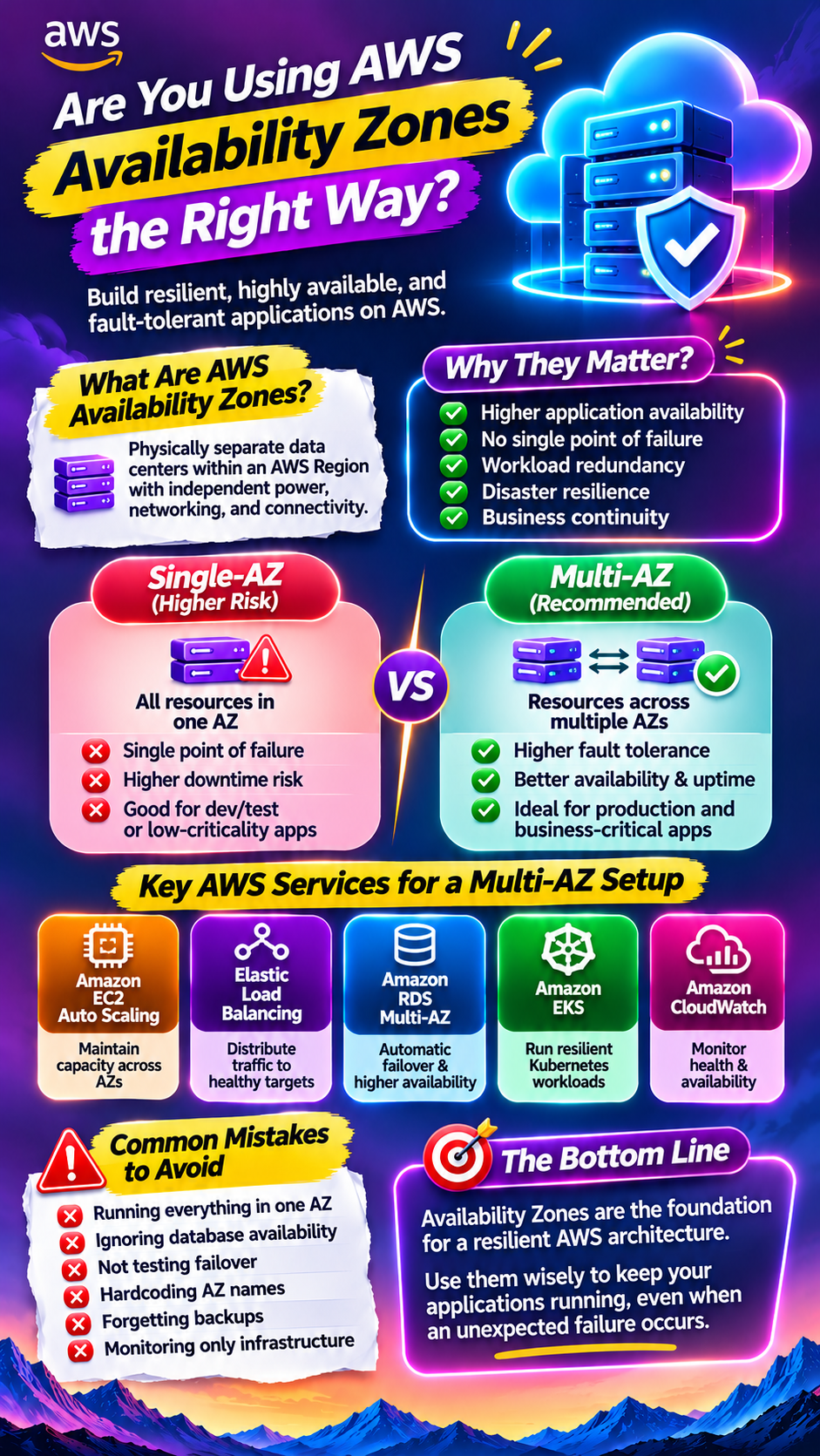
Multiple Availability Zones for designing highly available applications.
AWS Elastic Disaster Recovery for recovery planning.
These services can help businesses design better backup and recovery strategies.
However, cloud migration alone does not guarantee business continuity.
Organizations still need to define recovery requirements, configure redundancy, test backups, and regularly validate their disaster recovery plans.
The real objective is not just preventing downtime. It's reducing the business impact when something goes wrong.
6. Cloud Makes Global Expansion Easier
Imagine a business operating only in India that suddenly wants to serve customers in the US, Europe, and Southeast Asia.
With traditional infrastructure, expanding globally may require additional data centers, hardware, networking arrangements, and operational support.
Cloud providers offer global infrastructure that businesses can use to deploy workloads closer to their customers.
AWS operates infrastructure across multiple geographic Regions and Availability Zones.
Businesses can use services such as Amazon CloudFront to deliver content through a global edge network.
This can help improve application performance and support international expansion.
But global deployment also requires careful consideration of:
Data residency.
Compliance requirements.
Network latency.
Data transfer costs.
Regional availability.
Disaster recovery.
Cloud makes global infrastructure more accessible, but the architecture still needs to be designed properly.
7. Security and Compliance Become More Structured
Security is one of the biggest concerns when businesses move their infrastructure to the cloud.
A common misconception is that cloud automatically means secure.
It doesn't.
But cloud platforms provide tools that help organizations implement security controls more consistently.
For example, AWS provides:
AWS Identity and Access Management (IAM).
AWS Key Management Service (KMS).
AWS CloudTrail.
Amazon GuardDuty.
AWS Security Hub.
AWS Config.
These services help organizations manage access, encryption, monitoring, threat detection, and configuration compliance.
However, cloud security follows a shared responsibility model.
AWS is responsible for security of the cloud, while customers remain responsible for security in the cloud, depending on the services they use.
That means organizations still need proper access controls, secure configurations, monitoring, and governance.
8. Cloud Supports Modern Technologies Like AI and Big Data
This is another major reason cloud adoption continues to attract business attention.
Modern applications increasingly depend on:
Artificial Intelligence.
Machine Learning.
Big Data Analytics.
Real-time processing.
IoT.
Generative AI.
Automation.
Running these workloads on traditional infrastructure may require significant hardware planning and specialized resources.
Cloud platforms offer services that make these capabilities easier to access.
For example:
Business requirement
AWS service
AI and machine learning
Amazon SageMaker
Generative AI applications
Amazon Bedrock
Data warehousing
Amazon Redshift
Data storage
Amazon S3
Real-time data processing
Amazon Kinesis
Serverless computing
AWS Lambda
Container management
Amazon ECS / EKS
This gives businesses the flexibility to experiment with newer technologies without necessarily building every infrastructure component themselves.
9. Cloud Offers More Flexible Cost Models
Traditional infrastructure generally requires significant upfront investment.
Businesses purchase hardware, plan capacity, and manage ongoing maintenance expenses.
Cloud introduces consumption-based and commitment-based pricing models.
Depending on the service, organizations can pay based on factors such as:
Compute usage.
Storage consumption.
Number of requests.
Data transfer.
Database capacity.
Processing time.
This can make infrastructure spending more flexible.
However, there's an important point:
Moving to the cloud does not automatically reduce costs.
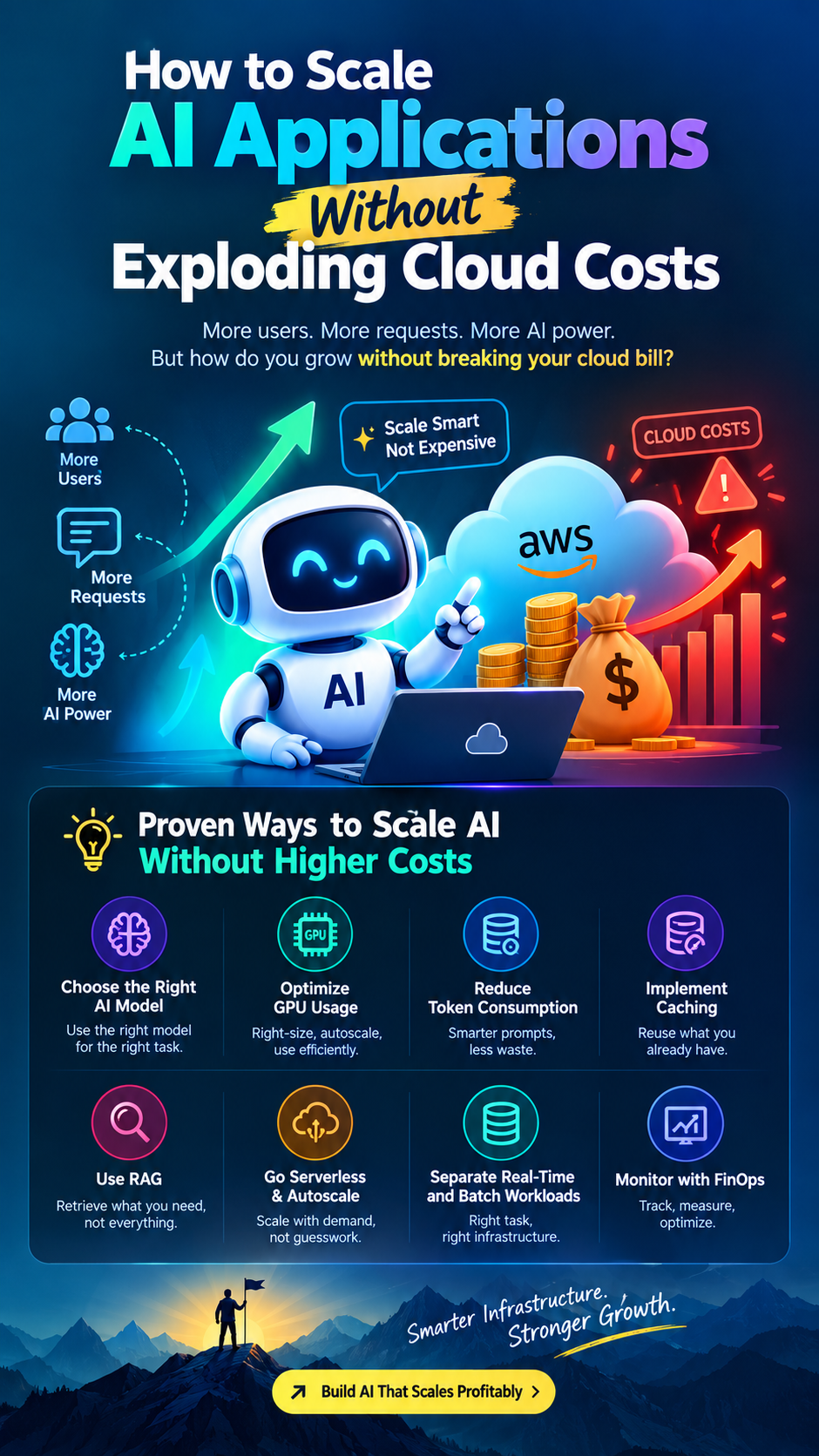
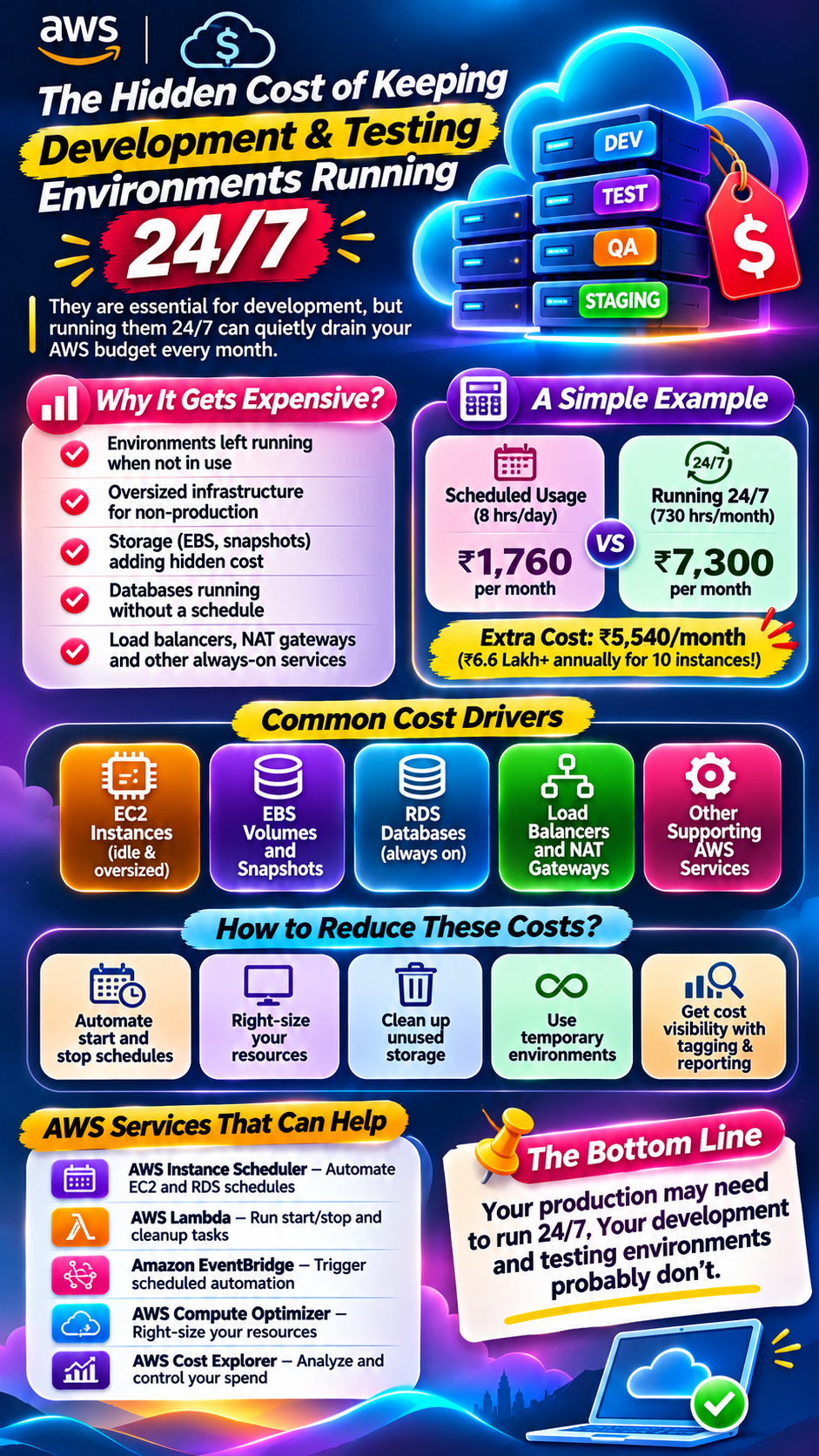
Poor resource management, oversized instances, unnecessary data transfer, idle resources, and incorrect configurations can make cloud infrastructure expensive.
This is why businesses need FinOps and continuous cloud cost optimization.
The objective should be to achieve better infrastructure economics, not simply move an existing expense from hardware to a monthly cloud bill.
AWS+1
10. Businesses Can Choose Between Cloud, On-Premises and Hybrid Infrastructure
Not every company needs to move everything to the cloud.
Some organizations have existing hardware investments, strict regulatory requirements, specialized applications, or workloads that require extremely low latency.
That's why hybrid cloud is becoming an important architecture option.
A hybrid environment combines on-premises infrastructure with cloud services.
For example:
Sensitive legacy applications remain on-premises.
Customer-facing applications run on AWS.
Backups are stored in cloud storage.
Analytics workloads use cloud computing.
Internal systems connect through secure networking.
This approach allows organizations to modernize gradually without disrupting every existing system.
AWS also recognizes hybrid architectures as an option when businesses need to retain certain workloads on-premises because of latency, compliance, or existing infrastructure investments.
AWS Prescriptive Guidance+1
Traditional Servers vs Cloud Computing: What's the Difference?
Factor
Traditional Servers
Cloud Computing
Infrastructure
Physical hardware
Provider-managed infrastructure
Initial investment
Usually higher
Often lower upfront
Scaling
Hardware expansion
On-demand provisioning
Maintenance
Organization manages hardware
Provider manages physical infrastructure
Deployment
Can take longer
Often faster
Global expansion
Requires infrastructure planning
Global Regions and services
Disaster recovery
Requires dedicated planning and infrastructure
Managed backup and recovery options
Pricing
Hardware and operating expenses
Usage-based or commitment-based
Flexibility
Limited by installed capacity
Elastic resource options
The comparison is general. Actual costs, performance, control, and responsibilities depend on the workload and architecture.
When Should a Company Move to the Cloud?
Cloud migration makes particular sense when businesses are experiencing challenges such as:
Increasing hardware maintenance costs.
Frequent infrastructure capacity limitations.
Slow application deployment.
Growing demand for remote access.
Limited disaster recovery capabilities.
Expansion into new geographic markets.
Increasing demand for AI and data analytics.
Difficulty managing infrastructure efficiently.
But migration should not happen simply because competitors are using AWS or another cloud provider.
Businesses should evaluate the technical, financial, regulatory, and operational benefits before making the decision.
How Should Businesses Start Their Cloud Migration Journey?
Moving to the cloud isn't simply copying existing servers to a new environment.
A successful migration requires planning.
Here is a practical approach.
Step 1: Assess Existing Infrastructure
Identify all servers, databases, applications, dependencies, storage requirements, and networking configurations.
Step 2: Identify Business Objectives
Are you trying to improve scalability, reduce maintenance overhead, increase reliability, modernize applications, or support global expansion?
Define measurable outcomes.
Step 3: Choose the Right Migration Strategy
Depending on the workload, organizations can consider:
Rehost – Move applications with minimal changes.
Replatform – Make selected optimizations while migrating.
Refactor – Redesign applications to use cloud-native capabilities.
Repurchase – Replace existing software with a cloud-based product.
Retain – Keep certain workloads where they are.
Retire – Remove applications that are no longer required.
Step 4: Select the Right Cloud Services
Evaluate compute, storage, databases, networking, security, and monitoring requirements.
Step 5: Migrate in Phases
Start with suitable workloads, test applications, validate performance, and gradually move critical systems.
Step 6: Monitor and Optimize
After migration, review resource utilization, security, performance, availability, and cloud spending.
AWS recommends assessing workloads and developing a structured migration strategy rather than treating migration as a simple infrastructure transfer.
AWS+1
Is Cloud Always Better Than Traditional Infrastructure?
Not necessarily.
Traditional infrastructure can still make sense for certain workloads.
For example:
Applications requiring specialized hardware.
Workloads with strict local data-processing requirements.
Systems with very low latency requirements.
Organizations with significant existing infrastructure investments.
Certain regulatory or data residency scenarios.
In some cases, a hybrid architecture may offer the best balance.
The important thing is to choose infrastructure based on business requirements rather than following technology trends.
Final Thought: The Future Is About Business Agility, Not Just Servers
The shift from traditional servers to cloud computing represents a bigger change in how businesses approach technology.
Companies no longer want infrastructure to slow down product development, innovation, or expansion.
They want systems that can scale with demand, support new technologies, improve operational resilience, and give teams more flexibility.
Cloud computing helps make that possible.
But successful cloud adoption requires more than choosing AWS, Azure, or Google Cloud.
It requires the right architecture, migration strategy, security controls, governance, and cost management.
The real question is no longer just where your servers are running. It's whether your infrastructure is helping your business move faster.
Because in a competitive digital economy, infrastructure should not be a limitation.
It should be a growth enabler.
Did you find this helpful?