AI Is Getting Smarter. But Does Your Cloud Infrastructure Need to Change? | Savishty
Your AI Model Isn't the Only Thing That Needs to Get Smarter
Your company just launched an AI feature.
The demo looked great.
The model answered questions.
Customers loved it.
The leadership team was excited.
Then the bills arrived.
Compute usage had jumped.
Storage requirements were growing.
Data pipelines were becoming more complicated.
Response times weren't as fast as expected.
And suddenly someone from finance asked the question every technology leader eventually hears:
"Why did our cloud bill just double?"
Welcome to the less glamorous side of AI.
Everyone is talking about smarter models.
Far fewer people are talking about the infrastructure underneath them.
And that's a problem.
Because AI isn't simply another feature you add to an existing application.
In many cases, AI changes the infrastructure equation completely.
AI Has Changed What "Heavy Workload" Means
Traditional applications usually behave in fairly predictable ways.
A user opens an app.
The application sends a request.
A database responds.
The result appears on the screen.
AI applications can be very different.
A single request might involve:
User → Application → Data → Model → Processing → Response
And sometimes the process doesn't stop there.
The application may need to search documents, retrieve information, generate a response, run another model, store the interaction, and analyze the result.
Multiply that by thousands—or millions—of users.
Suddenly, your infrastructure has a very different job.
Your Old Architecture Might Not Be Ready
Here's a situation many businesses will eventually face.
Your application was designed for 10,000 daily users.
It worked perfectly.
Then you add an AI assistant.
Usage increases.
Each interaction requires more computing resources.
Your database gets more traffic.
Your logs grow.
Your storage requirements increase.
Your response times start fluctuating.
Nothing is technically "broken."
But the architecture wasn't designed for this workload.
That's an important distinction.
AI doesn't necessarily break your infrastructure.
It exposes its limitations.
So, What Actually Needs to Change?
Not everything.
And that's important.
You don't need to throw away your entire cloud architecture because you're adding AI.
But you may need to rethink several parts of it.
1. Compute Becomes a Much Bigger Conversation
AI workloads can require significantly more computing resources than traditional applications.
Depending on the workload, you might need CPUs, GPUs, or specialized accelerators.
And unlike a normal web application, an AI workload may have very different usage patterns.
A sudden product launch could trigger thousands of simultaneous AI requests.
If your infrastructure can't scale with demand, users notice quickly.
This is where cloud platforms such as AWS become particularly useful.
Instead of buying expensive AI hardware upfront, organizations can provision the resources required for their workloads and scale according to demand.
2. Data Becomes the Real Competitive Advantage
Here's something worth remembering:
AI is only as useful as the information it can work with.
A powerful model with poor business data isn't necessarily useful.
Your AI assistant needs access to product documentation.
Your forecasting system needs historical data.
Your recommendation engine needs customer behavior.
Your internal AI search needs company knowledge.
That means AI projects often force organizations to rethink their data architecture.
Where is the data stored?
Who can access it?
How fresh is it?
How do you process it?
How do you protect it?
How quickly can the AI application retrieve it?
The cloud becomes the bridge between all of these pieces.
3. Storage Suddenly Matters More
AI generates and consumes enormous amounts of information.
Training data.
Documents.
Images.
Videos.
Model outputs.
Logs.
Embeddings.
Conversation histories.
Analytics.
Your storage architecture needs to handle this growth without becoming a bottleneck.
Services such as Amazon S3 can provide scalable object storage, while databases and analytics services can support the processing and retrieval layers around it.
The important part isn't simply storing more data.
It's being able to find and use the right data quickly.
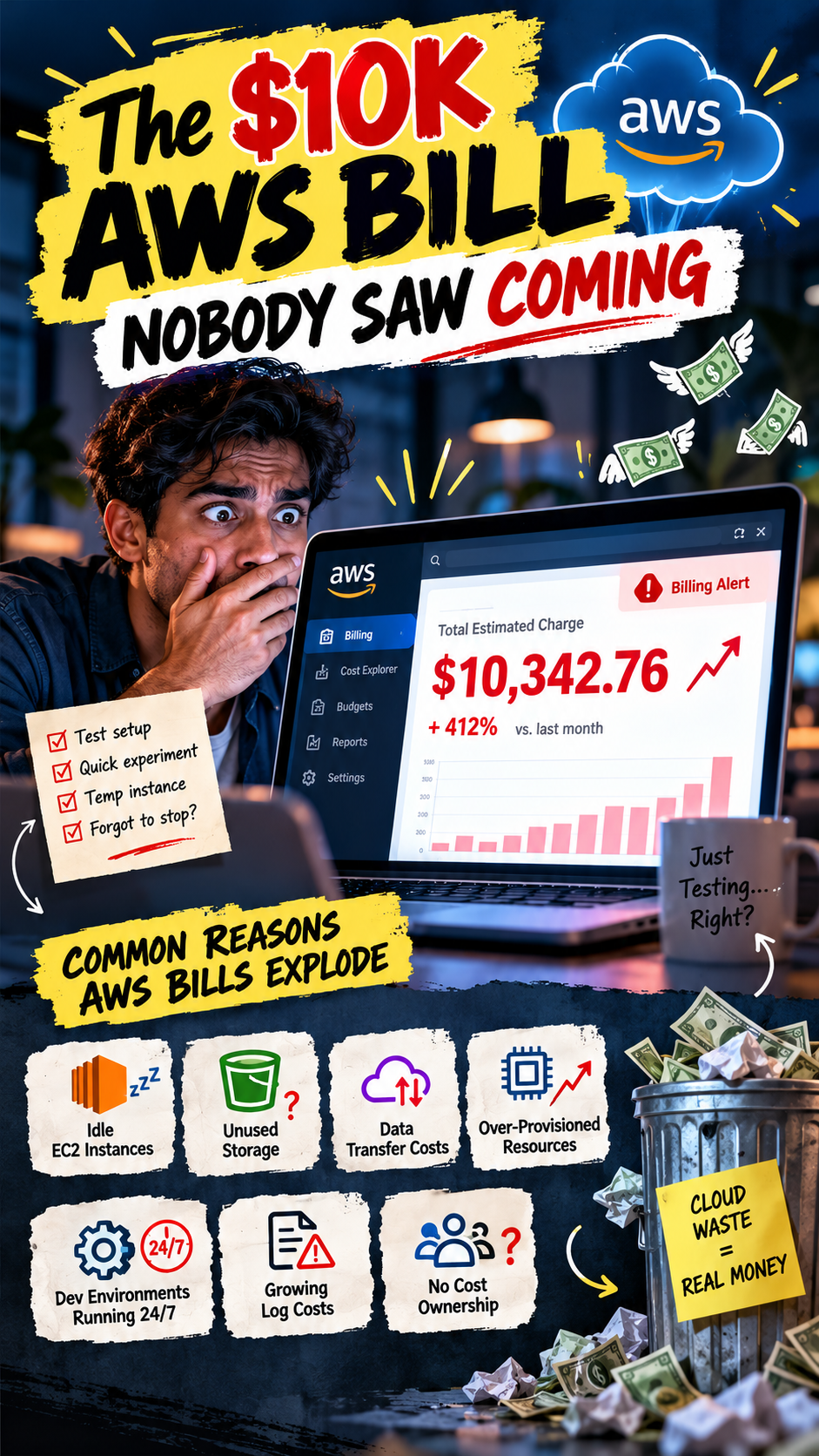
4. AI Can Make Your Cloud Bill Interesting
And by "interesting," we mean:
surprisingly expensive.
A traditional application might have fairly predictable infrastructure costs.
AI workloads can behave differently.
More users can mean more model requests.
Longer prompts can mean more processing.
Higher-quality models can mean higher costs.
Real-time inference can create sustained compute demand.
Poorly optimized architecture can quietly burn through cloud credits.
This is why FinOps and cloud cost optimization are becoming increasingly important for AI teams.
The question isn't:
"How much does AI cost?"
It's:
"How much does each successful AI interaction cost us?"
That's a much more useful business metric.
5. Latency Starts to Matter Even More
Nobody likes waiting.
But AI makes waiting particularly noticeable.
Ask a traditional search box a question and you expect an almost instant response.
Ask an AI assistant something complicated and you're willing to wait a little.
But not forever.
If your AI application takes 15 seconds to respond to every request, users will eventually get frustrated.
That means businesses need to think carefully about:
Where applications are hosted
Where data is stored
How models are accessed
Caching
Network architecture
Model selection
Request optimization
Sometimes the smartest AI architecture isn't the one using the biggest model.
It's the one that delivers the right answer fast enough and cheaply enough.
6. Security Becomes More Complicated
AI introduces new questions.
What data can the model access?
Can employees accidentally expose confidential information?
Can users manipulate prompts?
Where are conversations stored?
Who can access model outputs?
Can sensitive information enter a third-party model?
These aren't theoretical questions.
They're architectural decisions.
Cloud security therefore needs to evolve alongside AI adoption.
Identity management, encryption, access controls, monitoring, logging, and data governance become even more important.
7. Not Every AI Workload Needs the Biggest Model
This is probably one of the biggest mistakes companies can make.
They choose the most powerful model available because:
"More powerful must mean better."
Not always.
Sometimes a smaller model is perfectly capable of handling the task.
If you're classifying customer tickets, you may not need the same model used for complex reasoning.
If you're summarizing internal documents, you may not need the most expensive option.
The best architecture balances:
Accuracy + Speed + Cost + Security
That's where thoughtful cloud design matters.
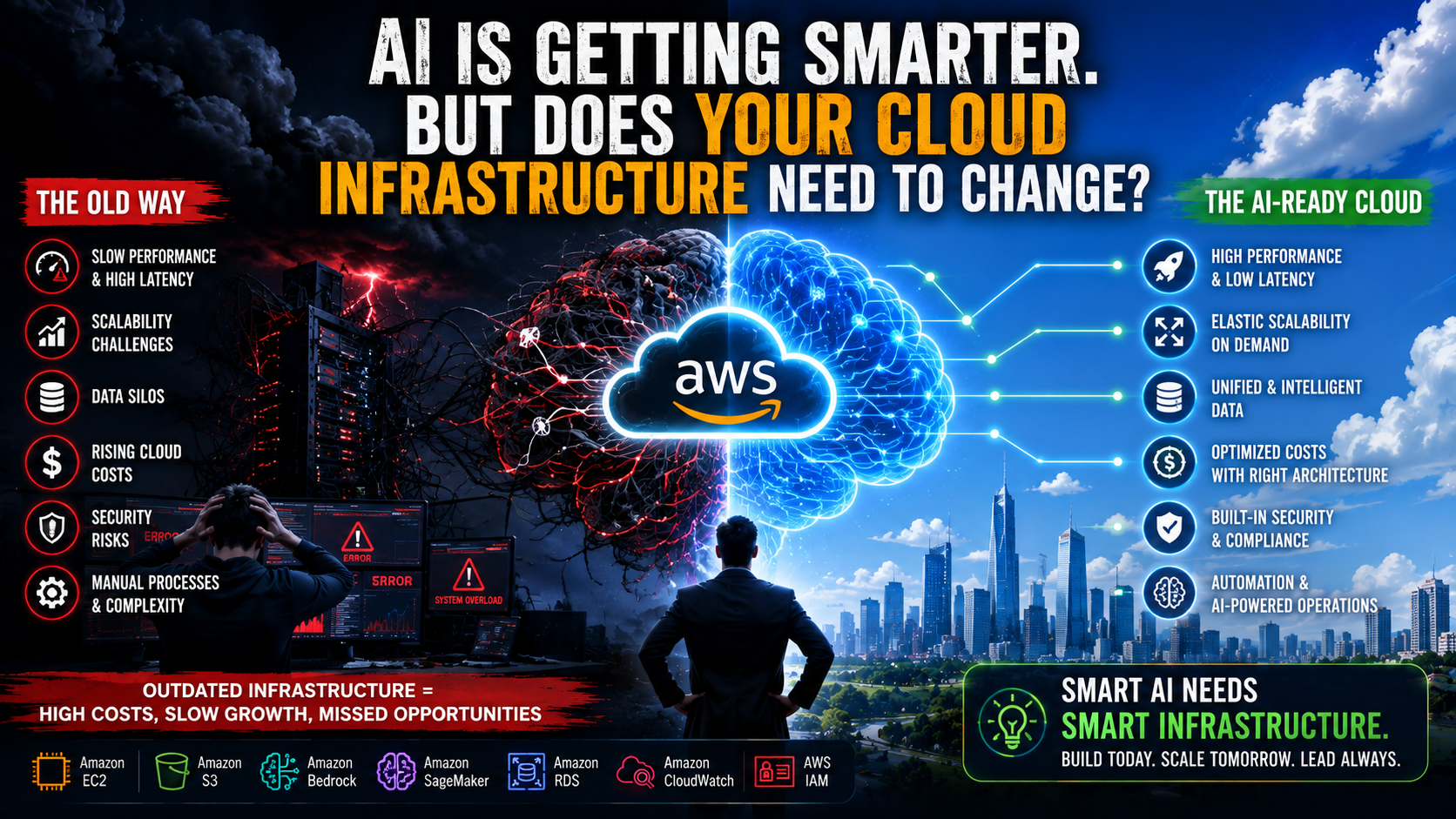
AWS and the New AI Infrastructure
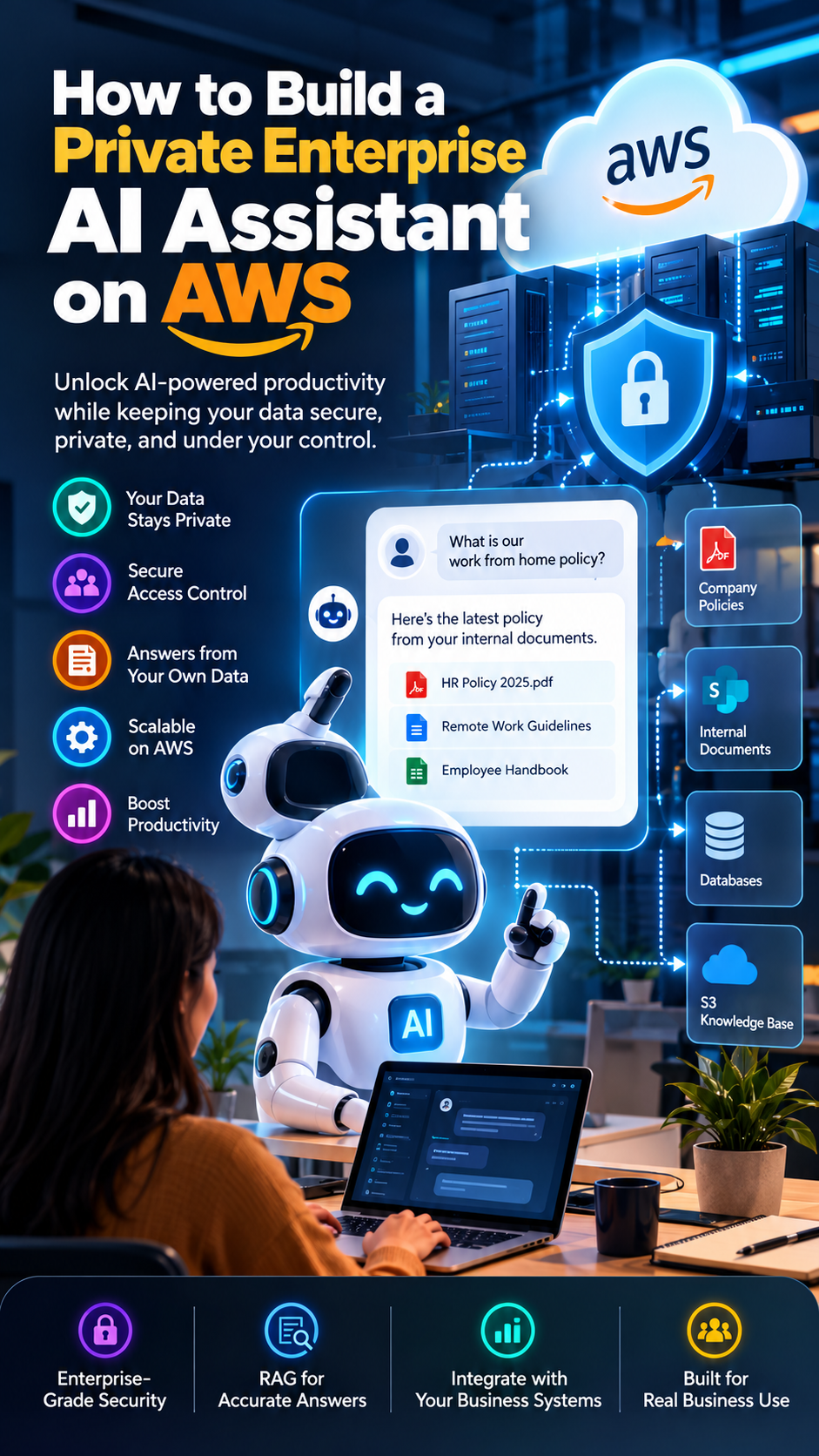
AWS has been expanding its AI ecosystem rapidly, giving organizations options across infrastructure, machine learning, generative AI, data, and application development.
Services such as Amazon Bedrock can help businesses build generative AI applications using foundation models.
Amazon SageMaker supports machine learning development and deployment.
Amazon S3 provides scalable data storage.
Compute options can support different AI workloads.
And AWS security and monitoring services can help organizations manage the environment around them.
The point isn't that every company needs every AWS service.
It doesn't.
The point is that AI requires an infrastructure strategy—and cloud platforms give businesses the building blocks to create one.
The Biggest Shift Isn't Technical
This may sound like an infrastructure article.
But the bigger change is actually organizational.
Before AI, a company might ask:
"How much infrastructure do we need?"
With AI, the question becomes:
"How quickly can we experiment, learn, and scale?"
That's a very different mindset.
You don't know which AI feature will become a huge success.
You don't know which experiment will fail.
You don't know how quickly customer demand will grow.
Your infrastructure needs to handle that uncertainty.
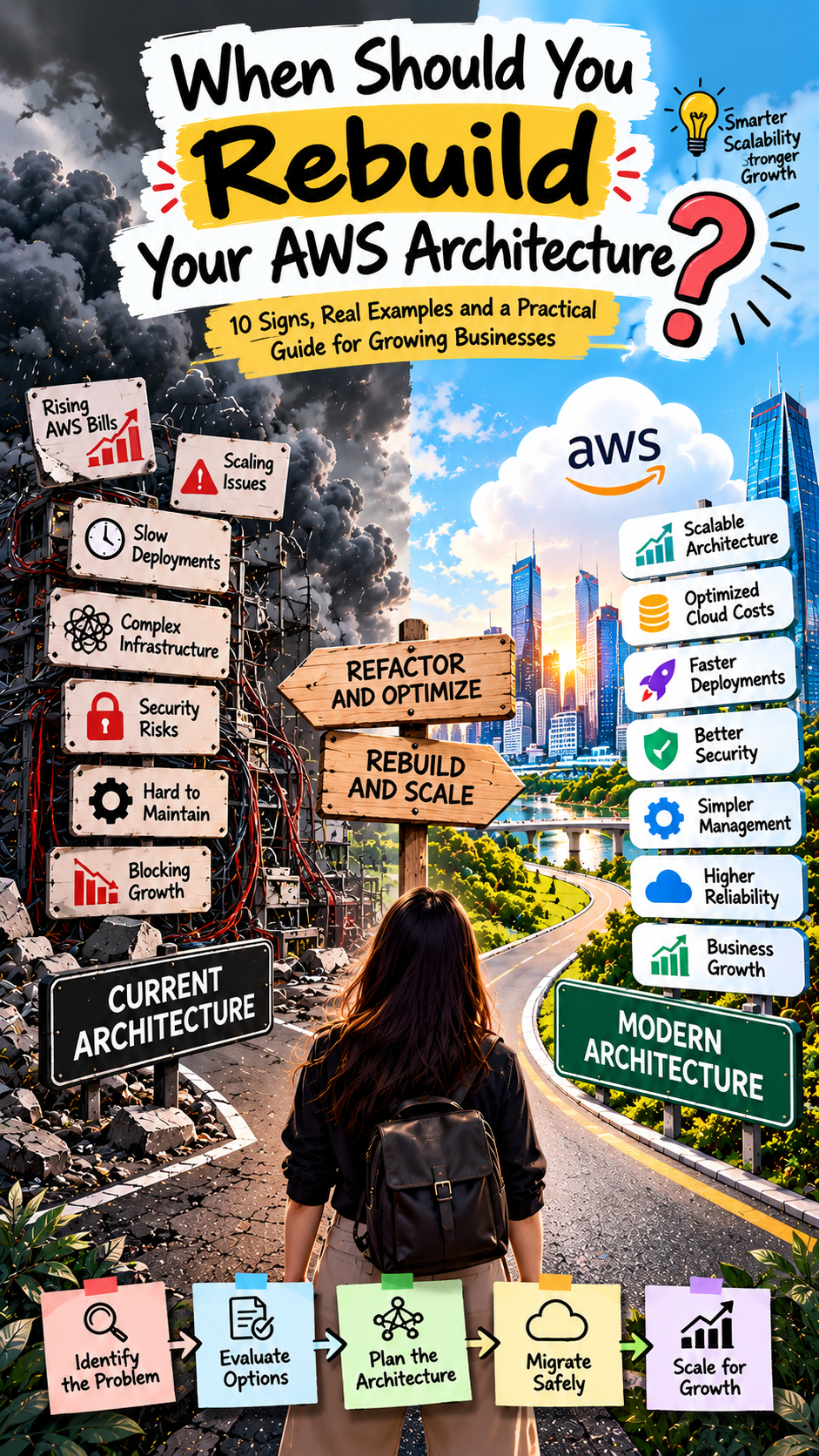
So, Does Your Cloud Infrastructure Need to Change?
Maybe.
If your AI project is a simple internal chatbot, probably not dramatically.
But if you're building an AI-powered product at scale, you should probably revisit:
Compute
Data architecture
Storage
Networking
Security
Observability
Cost management
Scalability
Disaster recovery
And most importantly:
The architecture's ability to change as the AI product changes.
The Companies That Win Won't Just Have Better AI
Here's the part that gets overlooked.
Two companies can use similar AI models.
One succeeds.
The other struggles.
Why?
Because the winning company may have:
Better data.
Lower inference costs.
Faster response times.
Stronger security.
Better monitoring.
More scalable infrastructure.
A smoother customer experience.
AI is becoming increasingly accessible.
Infrastructure is becoming the differentiator.
Final Thought
AI is getting smarter every month.
Your cloud architecture doesn't necessarily need to become more complicated.
It needs to become more intentional.
Don't add infrastructure because everyone else is doing it.
Don't choose the biggest model because it sounds impressive.
Don't wait for your cloud bill to explode before thinking about optimization.
Start with the business problem.
Understand the workload.
Build for the data.
Design for scale.
Watch the costs.
Protect the information.
And leave yourself room to change.
Because the most successful AI businesses won't necessarily be the ones with the biggest models.
They'll be the ones that build smart AI on smart infrastructure.
Frequently Asked Questions
Does AI require different cloud infrastructure?
Not always. Simple AI applications can run on existing infrastructure, but larger AI workloads may require changes to compute, storage, networking, data pipelines, security, and monitoring.
Is AWS suitable for AI applications?
AWS provides infrastructure and services for machine learning, generative AI, data processing, storage, security, and application deployment. The appropriate architecture depends on the specific AI workload.
Why can AI increase cloud costs?
AI workloads can require more compute, generate more data, and involve frequent model inference. Poorly optimized requests and infrastructure can also increase costs.
What is the role of Amazon Bedrock?
Amazon Bedrock provides access to foundation models and tools for building generative AI applications without requiring organizations to manage the underlying foundation models themselves.
Should startups invest in AI infrastructure early?
Startups should avoid overengineering, but they should design early AI workloads with scalability, security, data management, and cost visibility in mind.
Did you find this helpful?