FinOps Is No Longer Optional: Why Cloud Cost Management Matters | Savishty
Cloud Infrastructure After Product-Market Fit: What Should Change?
Getting product-market fit is a major milestone.
It means people want what you're building. Customers are using the product. Revenue is growing. New users are coming in.
And then something interesting happens.
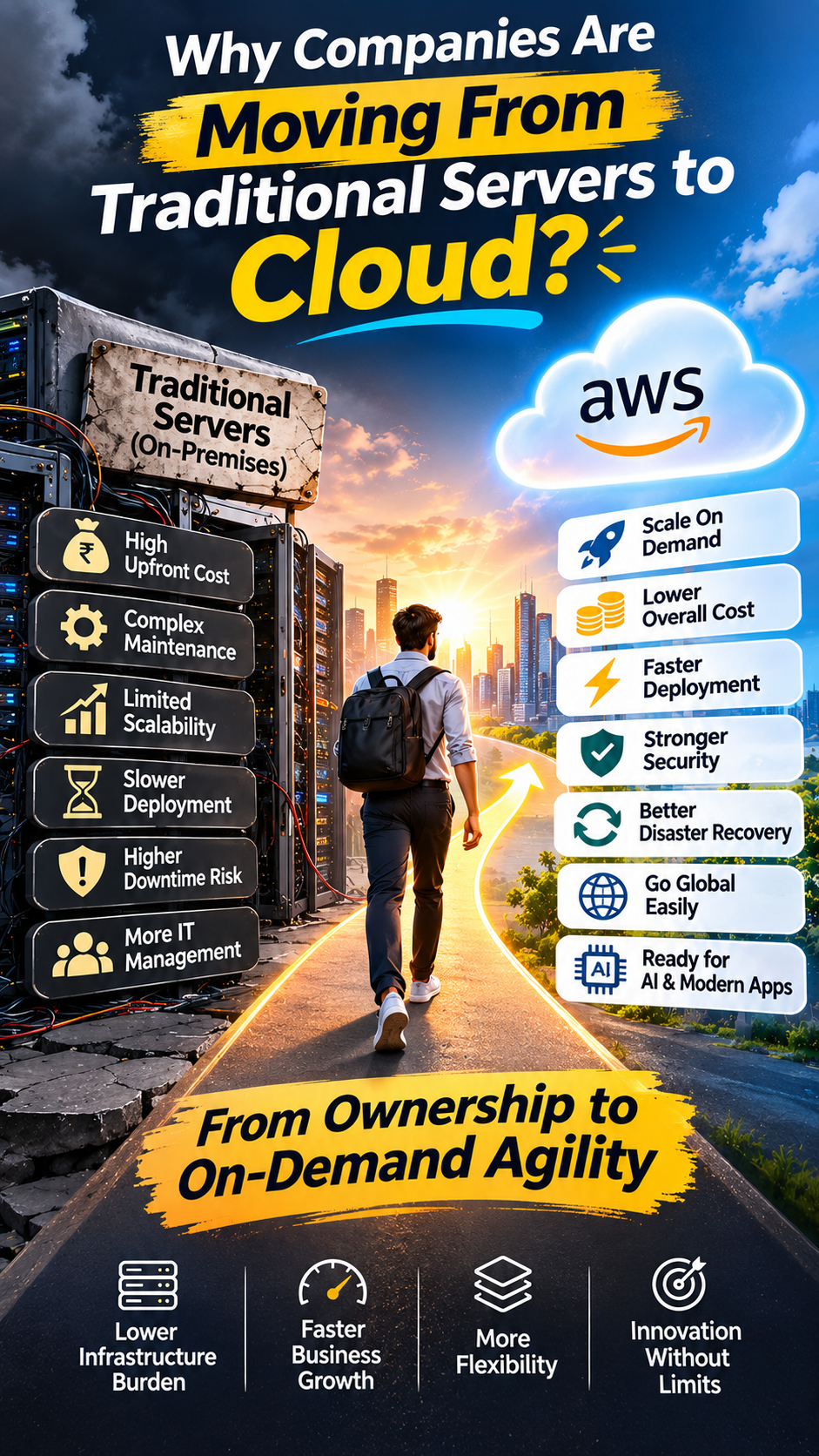
The infrastructure that helped you get to product-market fit starts showing its limitations.
The architecture that worked for 500 users may struggle with 50,000.
The database that was "good enough" becomes a bottleneck.
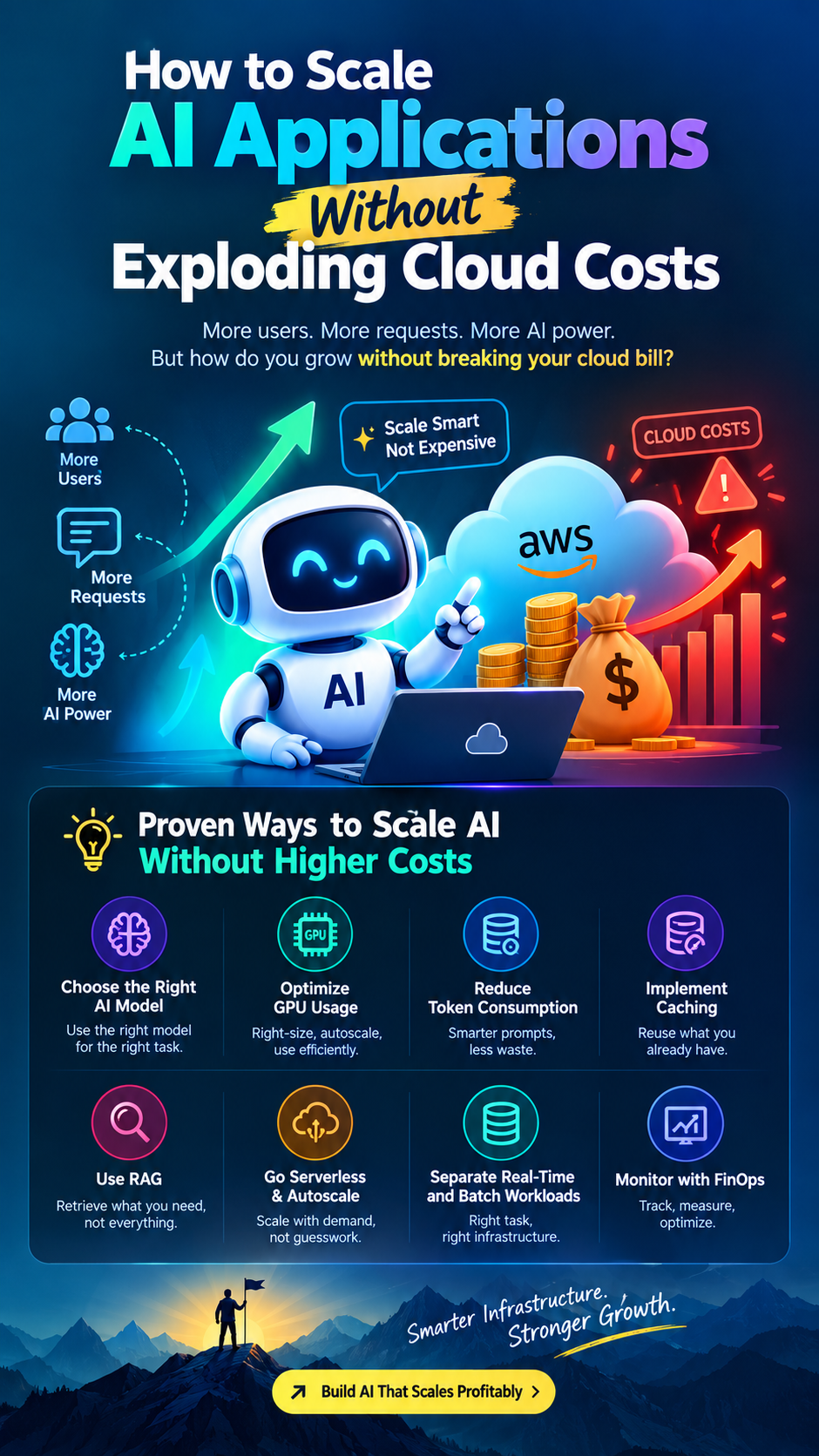
Cloud costs start climbing faster than revenue.
Deployments become riskier.
And suddenly, infrastructure is no longer just an engineering concern.
It becomes a business concern.
So what should change after product-market fit?
Not everything.
In fact, one of the biggest mistakes growing companies make is rebuilding too much, too early.
The goal isn't to create the most sophisticated cloud architecture.
The goal is to build infrastructure that can support the next stage of growth without creating unnecessary complexity.
---
Before Product-Market Fit vs After Product-Market Fit
Before product-market fit, speed usually matters more than optimization.
You need to test assumptions, launch quickly, learn from users and iterate.
Your infrastructure might look something like:
Simple application → Single database → Basic cloud services → Manual deployments
And that's completely reasonable.
After product-market fit, the priorities begin to change.
You start caring much more about:
- Reliability
- Scalability
- Security
- Cloud costs
- Observability
- Deployment automation
- Disaster recovery
- Performance
- Data architecture
- Engineering productivity
The infrastructure has to evolve because the business has evolved.
---
1. Stop Optimizing for "Can It Run?"
Before product-market fit, the question is often:
"Can we get this application running?"
After product-market fit, the question becomes:
"Can we keep it running reliably as the business grows?"
That's a very different problem.
A production system needs to account for things such as:
- Traffic spikes
- Service failures
- Database failures
- Deployment failures
- Increased data volume
- Security incidents
- Regional outages
- Unexpected workloads
This doesn't mean every startup needs a complicated multi-region architecture.
It means the architecture should now be designed around business impact and realistic failure scenarios.
---
2. Your Database Deserves More Attention
For many growing applications, the database eventually becomes one of the most important infrastructure components.
Early on, a single database can be perfectly adequate.
As usage increases, however, you may encounter:
- Higher query volume
- Slow queries
- Connection limits
- Larger datasets
- Reporting workloads competing with application traffic
- Increased backup and recovery requirements
This is the point where teams should start examining:
What is our database actually doing?
Instead of immediately switching technologies, start with fundamentals:
- Query optimization
- Proper indexing
- Connection management
- Read/write patterns
- Caching
- Backup strategy
- Monitoring
- Capacity planning
On AWS, services such as Amazon RDS and Aurora can provide managed database capabilities, while services such as ElastiCache can help with caching depending on the application architecture.
The key is to solve the actual bottleneck rather than redesigning the entire data layer because the company is growing.
---
3. Cloud Costs Become a Product Problem
This is one of the biggest changes after product-market fit.
When you're experimenting, a few inefficient resources may not matter much.
Once usage starts growing, they can become expensive.
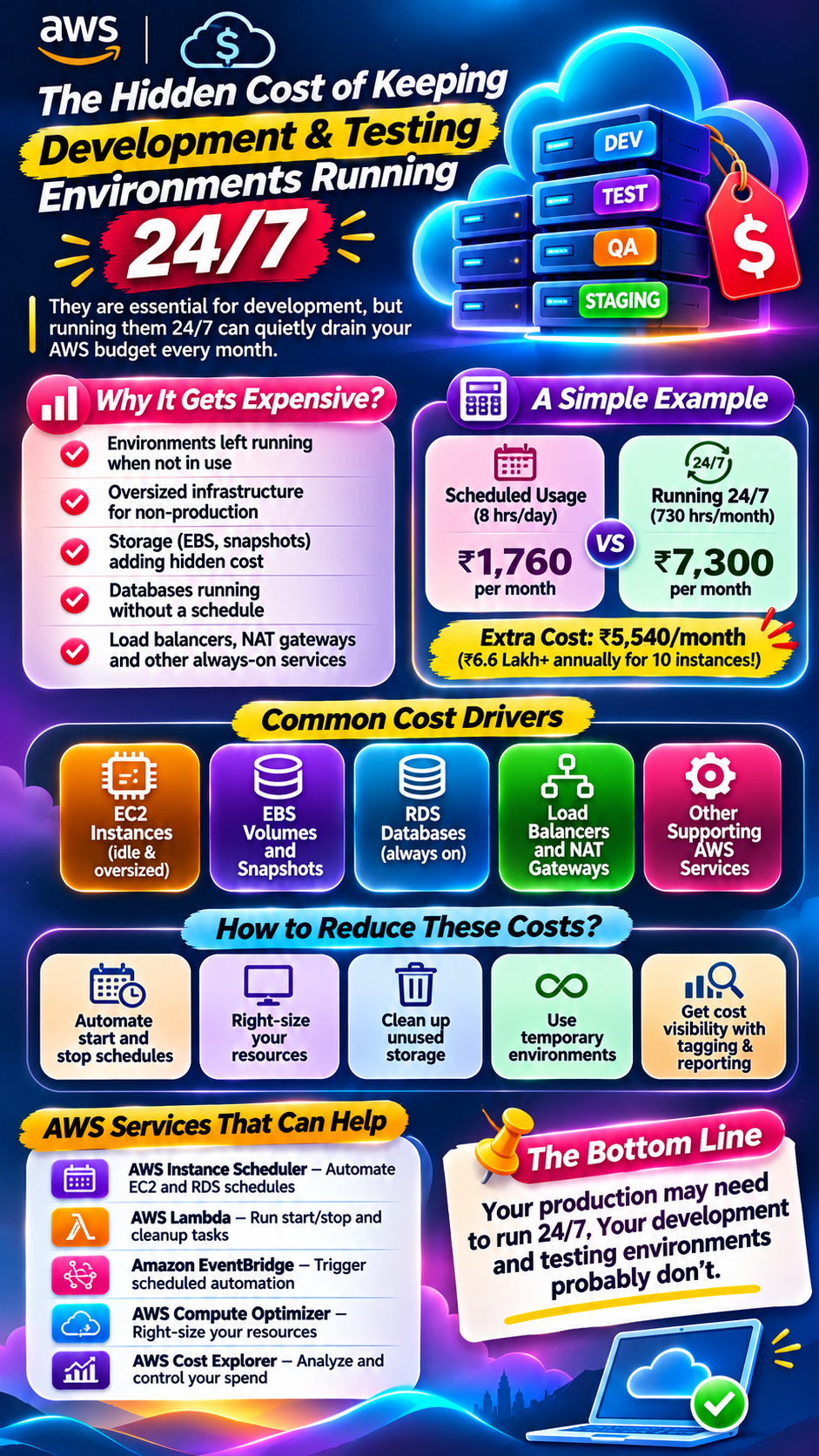
A company might discover that its AWS bill is increasing significantly because of:
- Over-provisioned compute
- Unused resources
- Excessive storage
- Inefficient data transfer
- Poorly optimized databases
- Unnecessary logs
- Development environments running continuously
- Lack of resource ownership
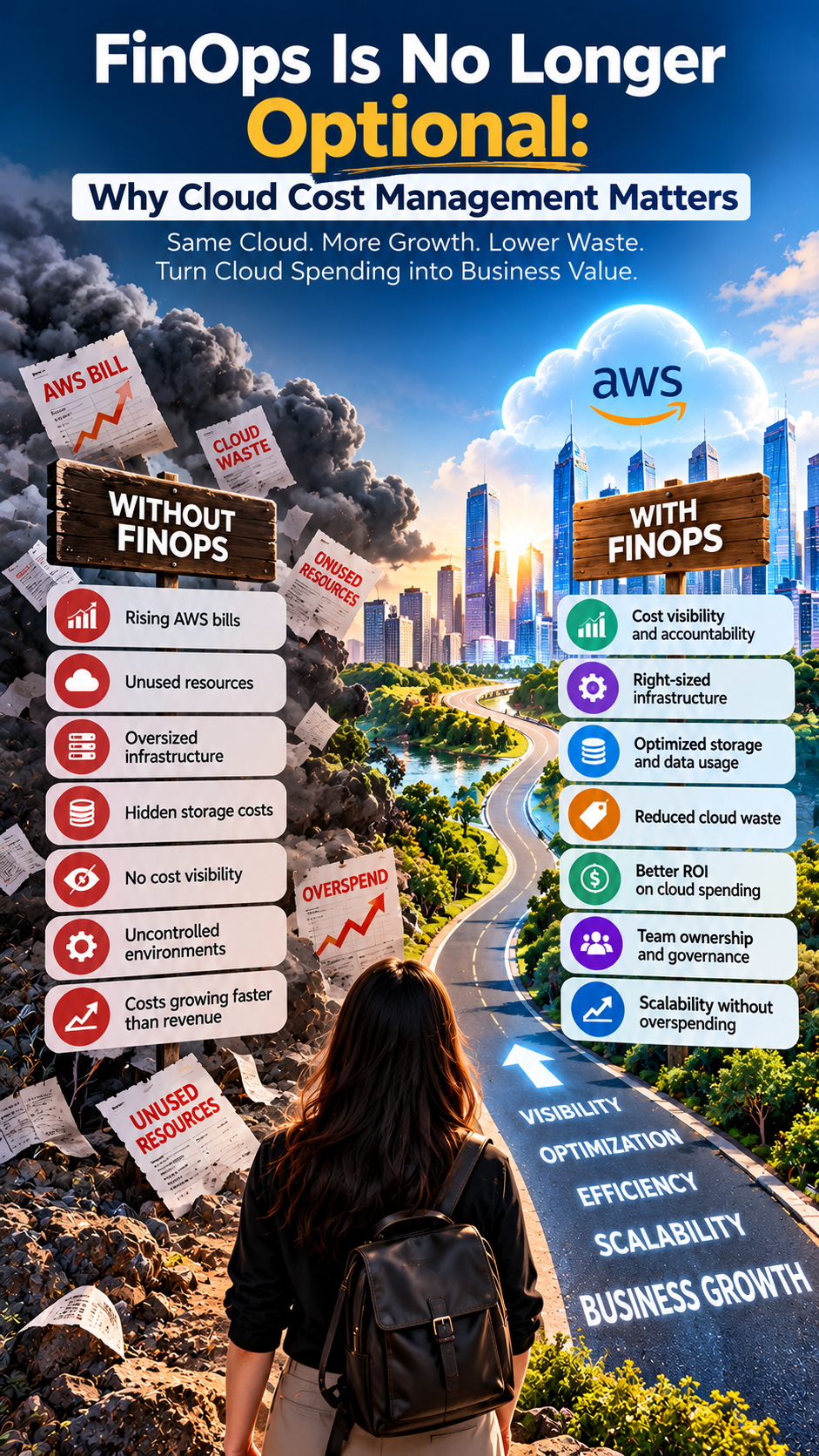
This is where FinOps becomes important.
The goal isn't simply:
"Reduce the AWS bill."
It's:
"Understand what we're spending, why we're spending it, and whether that spending supports business value."
For example, spending more on infrastructure because customer usage increased can be healthy.
Spending more because unused resources were never cleaned up is a different story.
---
4. Move From Manual Deployments to Automation
Manual deployments can work when a team is small.
They become increasingly risky as the product grows.
More developers mean:
More code changes → More deployments → More chances for human error.
This is where CI/CD becomes increasingly valuable.
A mature deployment workflow might look like:
Code commit → Automated tests → Security checks → Build → Deployment → Monitoring
The exact implementation depends on the technology stack.
AWS environments can use services and tools such as:
- CodePipeline
- CodeBuild
- GitHub Actions
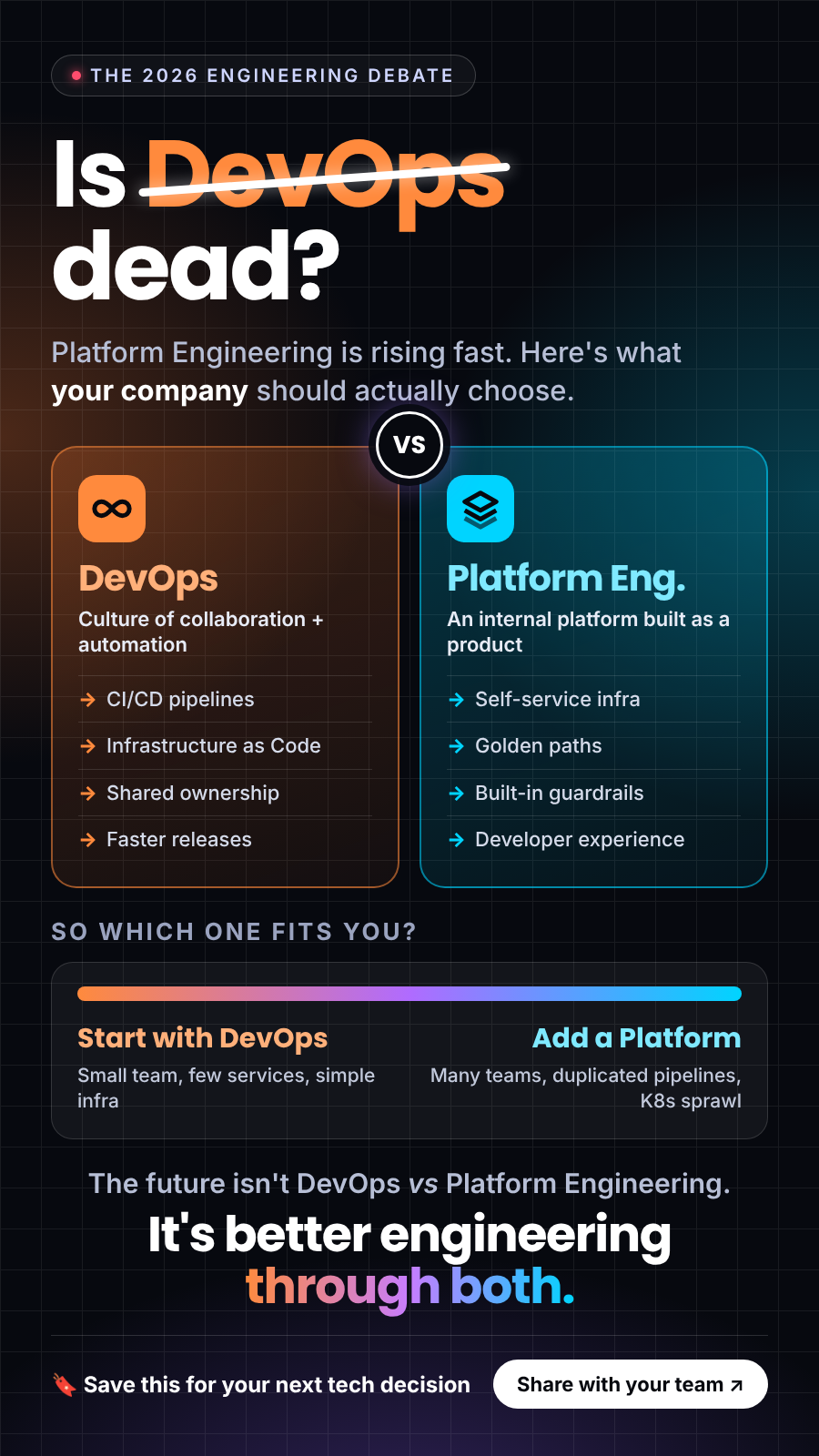
- Infrastructure as Code
- Terraform
- AWS CloudFormation
- Container-based deployment platforms
The objective isn't automation for its own sake.
It's making deployments repeatable, observable and safer.
---
5. Infrastructure Should Become Reproducible
Here's a question every growing engineering team should be able to answer:
"Can we recreate our production infrastructure if we had to?"
If the answer is no, there's probably too much manual configuration.
Infrastructure as Code changes this.
Instead of relying on someone's memory about how a cloud environment was configured, infrastructure can be defined through code.
For example:
Application code
→ Git repository
Infrastructure configuration
→ Git repository
Deployment
→ Automated pipeline
This makes infrastructure easier to review, reproduce and modify.
Terraform, AWS CloudFormation and AWS CDK are examples of tools teams can consider for managing infrastructure as code.
---
6. Observability Becomes Non-Negotiable
When you're small, you might discover an issue because a customer messages the founder.
That's not a scalable monitoring strategy.
As the customer base grows, you need visibility before customers tell you something is broken.
A mature observability strategy typically covers:
Metrics
What's happening?
Logs
What happened?
Traces
Where did the request spend time?
Alerts
What needs attention right now?
AWS environments can use services such as CloudWatch for monitoring, logging and operational visibility.
But tools alone aren't enough.
Your team should define what actually matters.
For example:
- API latency
- Error rates
- Database performance
- Request volume
- Infrastructure utilization
- Queue depth
- Availability
- Failed deployments
The goal is to detect problems before they become customer complaints.
---
7. Security Has to Move Up the Priority List
After product-market fit, you're probably holding more valuable data.
You may have:
- More customers
- More credentials
- More integrations
- More employees
- More third-party services
- More production data
That increases the potential impact of a security incident.
This is when cloud security needs to become part of the architecture—not something reviewed only after deployment.
Teams should examine:
- IAM permissions
- Secrets management
- Network access
- Encryption
- Logging
- Vulnerability management
- Backup security
- Access reviews
- Production environments
The principle of least privilege becomes particularly important.
Not everyone needs access to everything.
And not every application needs the same permissions.
---
8. Introduce Environments Properly
A growing team shouldn't have everyone making changes directly in production.
A common progression is:
Development → Staging → Production
This separation helps teams test changes before they reach customers.
Depending on the organization's requirements, teams may also introduce:
- Preview environments
- Feature environments
- Automated testing environments
- Isolated production workloads
The exact setup depends on the product.
A small SaaS application doesn't necessarily need dozens of environments.
But production should have appropriate controls around who can change what.
---
9. Prepare for Failure—Without Overengineering
Here's another common mistake.
A startup reaches product-market fit and immediately starts talking about:
Multi-region Kubernetes clusters, active-active databases and massive disaster recovery architectures.
Sometimes those things are justified.
Often they're not.
The better question is:
"What happens if this component fails?"
Start by identifying your critical systems.
Then define:
- Recovery Time Objective (RTO)
- Recovery Point Objective (RPO)
- Backup requirements
- Failover procedures
- Recovery responsibilities
For a non-critical internal tool, a longer recovery window might be acceptable.
For a core payment or customer-facing service, the requirements may be very different.
Infrastructure should reflect the business's tolerance for downtime and data loss.
---
10. Scaling Doesn't Always Mean Kubernetes
When a startup grows, Kubernetes often enters the conversation.
But growth alone doesn't mean Kubernetes is required.
Depending on the workload, a company may scale effectively using:
- AWS Lambda
- Amazon ECS
- AWS Fargate
- Amazon EC2
- Managed databases
- Managed queues
- Managed storage
- CDN services
Kubernetes can be valuable for organizations with complex containerized workloads and specific orchestration requirements.
But introducing it also introduces additional operational complexity.
The goal should be:
Use the simplest architecture that can reliably support the business.
Not:
Use the most sophisticated architecture available.
---
11. Architecture Should Follow Business Priorities
This is probably the most important lesson.
Infrastructure decisions shouldn't happen in isolation from the business.
Suppose the company is expanding internationally.
You may need to think about:
- Regional performance
- Data residency
- Availability
- CDN strategy
If the company is processing millions of transactions:
- Database performance
- Queuing
- Reliability
- Observability
may become more important.
If the company is building AI features:
- Model inference
- GPU workloads
- Data pipelines
- Vector databases
- Cost management
may become priorities.
The architecture should respond to the business problem, not simply the latest technology trend.
---
A Practical Post-PMF Cloud Checklist
If your company recently reached product-market fit, start by asking:
Reliability
- What happens when a critical service fails?
- Do we have backups?
- Have we tested recovery?
Scalability
- What happens if traffic increases 10x?
- Which component becomes the bottleneck first?
- Can we scale horizontally where appropriate?
Cost
- Which services drive the AWS bill?
- Are resources properly sized?
- Do we know the cost of serving one customer or transaction?
Security
- Who has production access?
- Are IAM permissions overly broad?
- Where are secrets stored?
- Are sensitive resources publicly accessible?
Deployment
- How much of our deployment process is manual?
- Can we roll back safely?
- Are deployments monitored?
Observability
- Do we know when the system is degrading?
- Are important metrics monitored?
- Can engineers quickly investigate incidents?
Infrastructure
- Is our infrastructure defined as code?
- Can we reproduce an environment?
- Are development and production properly separated?
---
The Infrastructure Maturity Journey
A typical journey might look like this:
Stage 1 — Validate
Focus on speed.
Build the product.
Learn from customers.
Keep infrastructure simple.
↓
Stage 2 — Product-Market Fit
Focus on reliability.
Introduce monitoring, backups, security controls and deployment automation.
↓
Stage 3 — Growth
Focus on scalability and cost.
Optimize databases, workloads, networking and cloud spending.
↓
Stage 4 — Scale
Focus on resilience.
Improve disaster recovery, automation, observability, security and operational maturity.
The important thing is that you don't have to jump from Stage 1 directly to Stage 4.
---
The Biggest Mistake After Product-Market Fit
It's easy to think:
"We're growing. We need a completely new architecture."
Not necessarily.
Sometimes your existing architecture is fine.
You may simply need:
- Better monitoring
- Better database optimization
- Better security
- Better automation
- Better resource management
- Better cost visibility
Architecture should evolve based on evidence.
Look at your traffic.
Look at your bottlenecks.
Look at your incidents.
Look at your AWS bill.
Look at your deployment process.
Then make the changes that solve actual problems.
---
Final Thought
Product-market fit changes more than your revenue trajectory.
It changes the questions your engineering team needs to ask.
Before product-market fit:
"Can we build this quickly?"
After product-market fit:
"Can we operate this reliably at scale?"
That's the real infrastructure transition.
You don't need the biggest AWS environment.
You don't need the most complicated architecture.
You need infrastructure that can support the business without becoming the thing that slows the business down.
The best post-PMF cloud strategy is usually not a complete rebuild.
It's a deliberate evolution from "make it work" to "make it reliable, scalable, secure and economically sustainable."
Did you find this helpful?