Your Application Is Live. But Can It Survive an AWS Outage? | Savishty
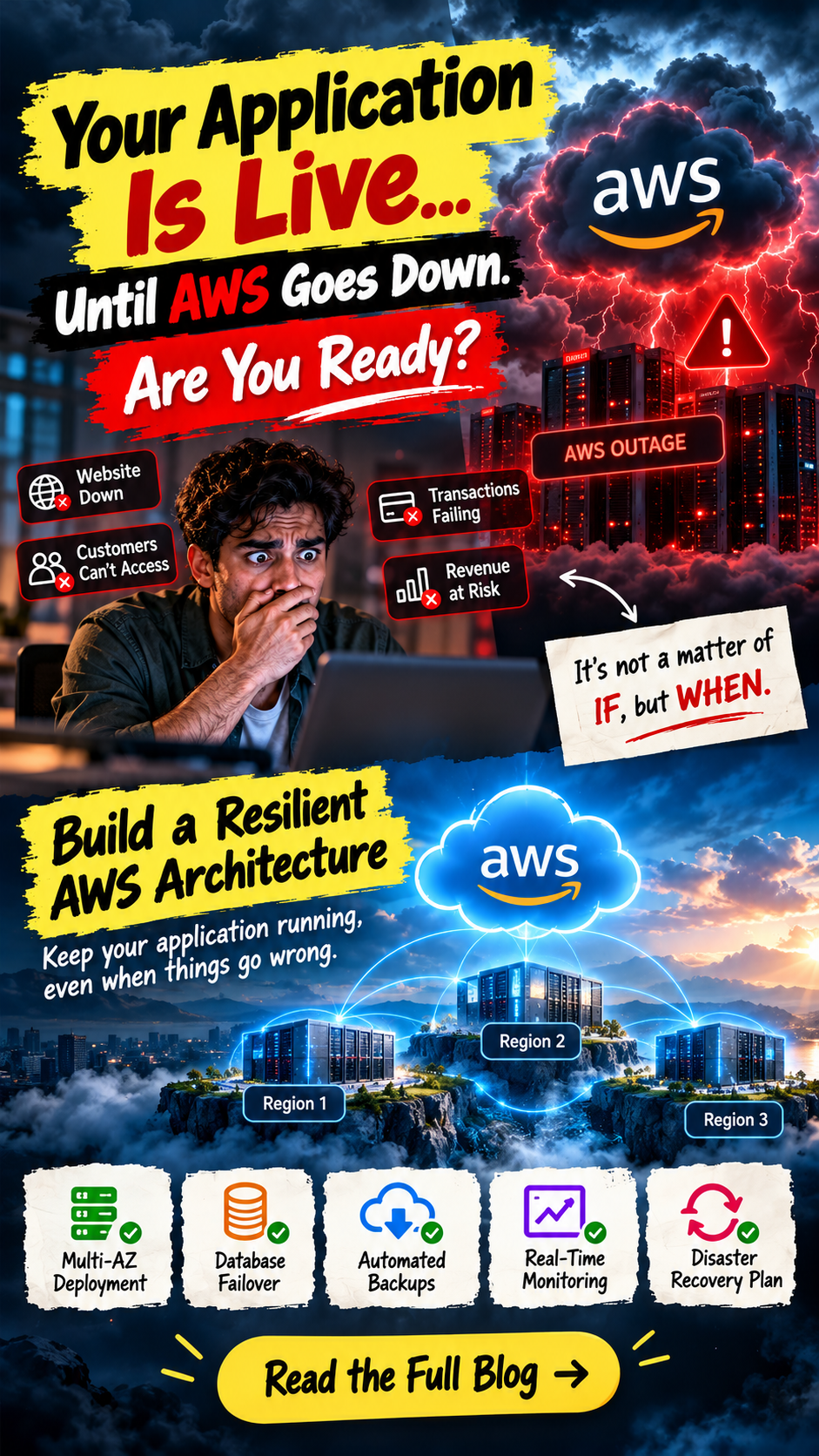
Your Application Is Live. But Can It Survive an AWS Outage?
Your application is running smoothly. Customers are logging in, transactions are processing, and everything looks good.
Then suddenly, something goes wrong.
A server becomes unavailable. A database stops responding. An entire AWS Availability Zone experiences a disruption.
And your application goes down with it.
For your customers, it doesn't matter whether the issue lasts five minutes or two hours. They can't access your service, transactions may fail, and trust can take a hit.
The real question isn't whether your application works when everything is normal. It's what happens when something fails.
That's where AWS resilience and disaster recovery come in.
1. Don't Let One Server Become Your Single Point of Failure
One of the biggest infrastructure mistakes is relying on a single server to run an entire application.
If that server fails, your application could become unavailable until the problem is resolved.
AWS provides services such as Amazon EC2 Auto Scaling and Elastic Load Balancing to help build more resilient architectures.
For example, you can run multiple application instances behind a load balancer. If one instance becomes unhealthy, traffic can be directed to healthy instances, depending on your configuration.
The goal is simple: one component failing shouldn't automatically bring down the entire application.
2. One Availability Zone Isn't Always Enough
AWS Regions contain multiple Availability Zones designed to provide separate infrastructure locations.
Running your application across multiple Availability Zones can help reduce the impact of a failure affecting one zone.
For example, instead of deploying your entire application in one Availability Zone, you could distribute application instances across two or more zones.
If one zone experiences a disruption, the remaining infrastructure may continue serving traffic.
However, multi-AZ architecture doesn't automatically protect every component. Your database, networking, dependencies, and failover configuration also matter.
High availability must be designed across the entire application, not just the web servers.
3. Your Database Could Be the Weakest Link
Imagine your application servers are distributed across multiple Availability Zones, but your database is a single instance with no suitable recovery setup.
If that database becomes unavailable, your application may still fail.
This is why database resilience deserves as much attention as application availability.
Depending on your requirements, AWS offers options such as:
- Amazon RDS Multi-AZ: Supports database high availability through standby infrastructure and managed failover.
- Amazon Aurora: Provides distributed storage and database availability features.
- Automated backups: Help recover data to a supported recovery point.
- Read replicas: Can support read scaling and, in certain configurations, recovery strategies.
These options serve different purposes. A read replica, for example, isn't automatically a complete disaster recovery solution.
Choose the architecture based on recovery requirements, data consistency, performance, and cost.
4. Multi-AZ and Multi-Region Are Not the Same
This is an important distinction.
Multi-AZ architecture helps protect workloads against certain failures within an AWS Region.
Multi-Region architecture can help protect against a broader regional disruption, but it introduces additional complexity.
Feature| Multi-AZ| Multi-Region
Primary goal| Regional high availability within one Region| Recovery from a wider regional disruption
Infrastructure| Multiple Availability Zones| Multiple AWS Regions
Complexity| Generally lower| Generally higher
Data replication| Depends on the service and architecture| Often requires cross-Region replication or recovery mechanisms
Cost| Additional infrastructure and service costs| Potentially significant additional infrastructure and data-transfer costs
Multi-Region isn't necessary for every application.
A small internal tool may have different requirements from a payment platform or a business-critical customer service.
The right decision depends on how much downtime and data loss your business can tolerate.
5. Know Your RTO and RPO Before Disaster Strikes
Two terms every cloud team should understand are RTO and RPO.
RTO — Recovery Time Objective
How long can your application remain unavailable before recovery must be completed?
RPO — Recovery Point Objective
How much data loss, measured in time, can your business tolerate?
Consider an online booking platform.
If its recovery objective allows four hours of downtime, a recovery process that takes six hours isn't sufficient.
If it can tolerate only five minutes of data loss, daily backups alone may not meet that requirement.
These targets help determine whether you need backups, automated failover, cross-Region replication, or a more advanced recovery strategy.
Without defined RTO and RPO targets, disaster recovery planning becomes guesswork.
6. Backups Are Important. Tested Backups Are Better.
Having a backup doesn't guarantee that you can restore your application successfully.
Backups may be incomplete, recovery procedures may be outdated, or teams may discover dependencies they didn't account for.
A reliable backup strategy should include:
- Automated backup schedules
- Appropriate retention periods
- Protection against accidental deletion
- Access controls for backup resources
- Regular restoration tests
- Documented recovery procedures
For critical workloads, consider whether backups should be isolated from the primary environment and protected against unauthorized modification or deletion.
A backup strategy is only as useful as your ability to recover from it.
7. Monitoring Won't Prevent Every Failure, but It Can Reduce Detection Time
Sometimes an outage starts with a small warning.
CPU utilization rises. Error rates increase. Database connections approach their limits. Request latency begins to climb.
Without monitoring, your team may learn about the issue from customers.
AWS services such as Amazon CloudWatch can help teams monitor metrics, collect logs, and configure alarms.
Depending on your architecture, useful indicators include:
- Application error rates
- Response times
- Database connections
- Instance health
- Request volume
- Queue backlogs
- Failed transactions
Monitoring should be connected to a clear incident response process, so alerts reach the right people and trigger appropriate action.
The objective isn't to collect as much data as possible. It's to identify problems early enough to respond effectively.
8. Test Your Recovery Plan Before You Need It
A disaster recovery document may look excellent on paper.
But can your team actually use it under pressure?
What happens if a database fails over? Can the application reconnect? Are DNS changes required? Do credentials and secrets work in the recovery environment? Can the team restore the latest valid backup?
These questions need practical answers.
Conduct controlled recovery exercises, test backup restoration, document dependencies, and measure actual recovery times.
Where appropriate, use staging environments or controlled fault-injection experiments to validate how systems behave when components fail.
Don't introduce failures into production without suitable safeguards, authorization, and a tested plan.
The purpose is to find weaknesses during an exercise—not during a customer-facing incident.
An AWS Resilience Checklist
Before deploying a business-critical application, ask:
- [ ] Are critical workloads protected against single-instance failures?
- [ ] Are multiple Availability Zones used where required?
- [ ] Is database failover configured and tested?
- [ ] Are RTO and RPO clearly defined?
- [ ] Are backups automated and restoration tested?
- [ ] Is cross-Region recovery needed for the business?
- [ ] Are critical metrics and alarms configured?
- [ ] Are recovery procedures documented?
- [ ] Have the team and application been tested against realistic failure scenarios?
- [ ] Are resilience costs included in the cloud budget?
You don't necessarily need every AWS resilience feature. You need the features that match your application's business requirements and acceptable risk.
Final Thoughts
Building an application that works is only the beginning.
Building one that can recover when infrastructure fails is a different challenge.
AWS provides the building blocks for high availability, monitoring, backup, and disaster recovery. But those services don't automatically create a resilient application. The architecture, configuration, operational procedures, and recovery tests matter just as much.
Before your next deployment, ask your team one question:
If a critical component failed right now, would our application keep working, recover automatically, or stay down until someone fixes it?
Knowing the answer before an outage can make all the difference.
Because cloud reliability isn't measured only by how well your application performs on a normal day.
It's measured by how prepared you are when a normal day turns into an incident.
Did you find this helpful?