The $10K AWS Bill Nobody Saw Coming | Savishty
The $10K AWS Bill Nobody Saw Coming
Nobody wakes up expecting a $10,000 AWS bill.
Especially when the application hasn't suddenly gained millions of users.
But it happens.
A new workload gets deployed.
A developer spins up resources for testing.
A database is left running.
Logs grow quietly.
Data gets transferred between services.
An experiment that was supposed to last two days runs for two weeks.
And then the AWS bill arrives.
$10,000.
The surprising part?
The problem isn't always AWS pricing.
Often, it's how the cloud environment is being managed.
---
How Does an AWS Bill Suddenly Become So High?
AWS follows a consumption-based model.
You pay for the resources and services you use.
That sounds simple.
Until your infrastructure includes dozens of services running across multiple accounts, regions, environments, and teams.
A small amount of waste across many resources can eventually become a very large bill.
Here are some of the most common reasons.
---
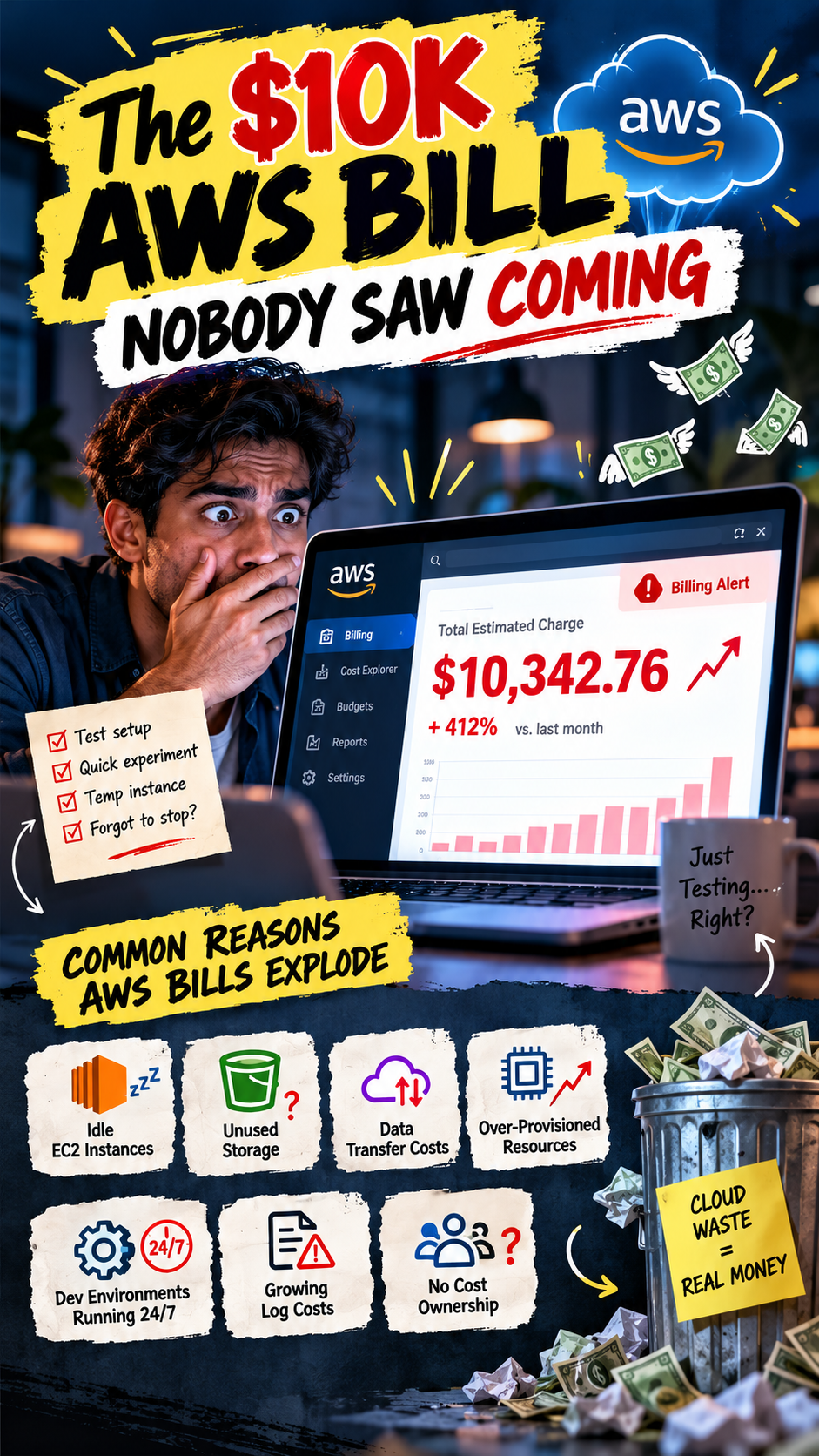
1. Idle EC2 Instances
Someone launches an EC2 instance for testing.
The project finishes.
Nobody shuts it down.
It continues running.
One instance might not seem expensive.
But imagine:
10 instances × 24 hours × 30 days
Now multiply that across development, staging, production, and multiple teams.
Idle compute can quietly become one of the biggest sources of cloud waste.
What can help?
Regularly identify:
- Underutilized instances
- Unused instances
- Oversized instances
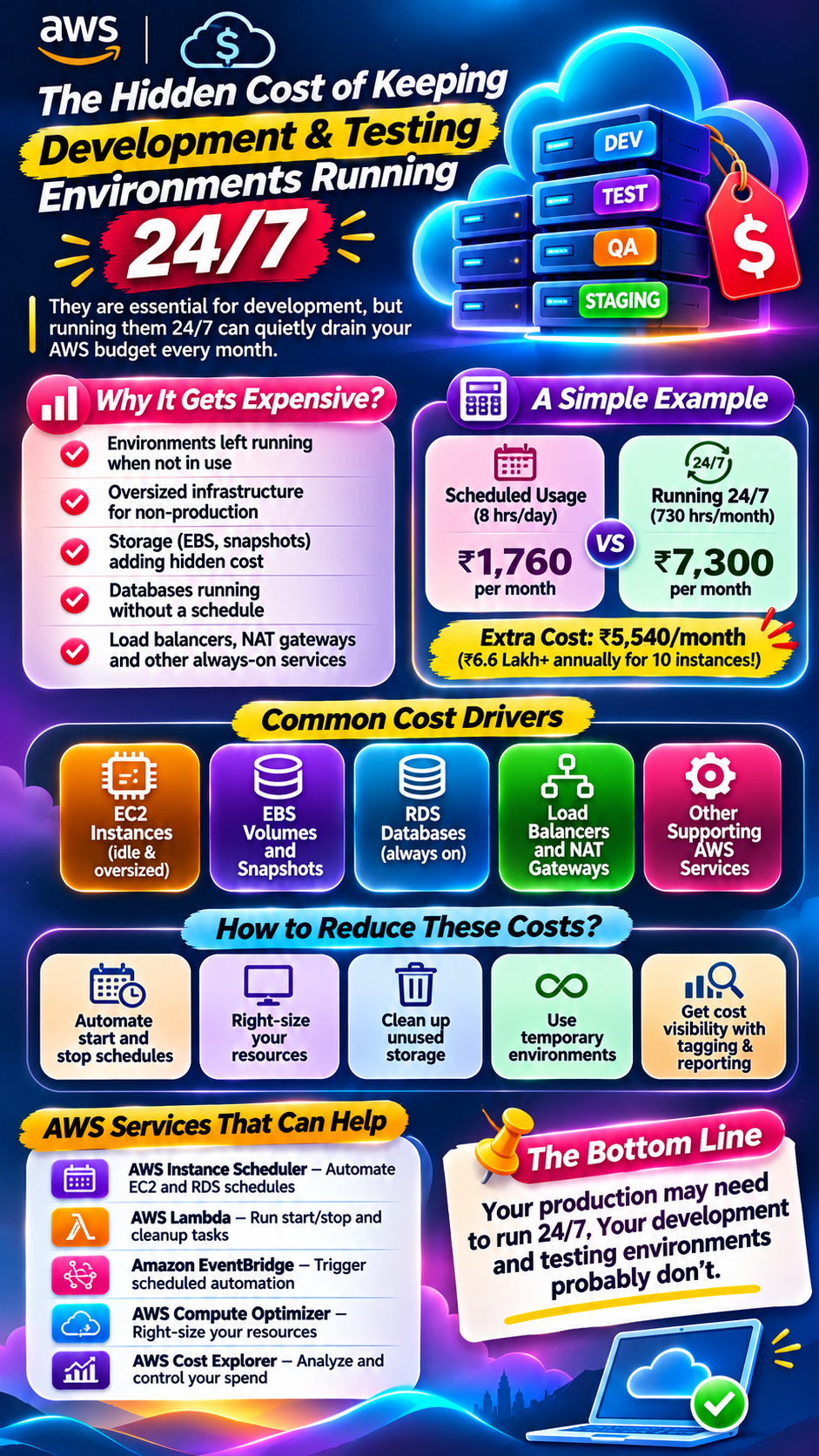
- Forgotten development environments
Automate shutdown schedules for non-production workloads where appropriate.
---
2. Storage Nobody Cleans Up
Cloud storage feels inexpensive.
That's exactly why teams often stop thinking about it.
Over time, organizations accumulate:
- Old backups
- Temporary files
- Database snapshots
- Logs
- Machine-learning datasets
- Build artifacts
- Previous application versions
Individually, these may look insignificant.
Collectively, they can become expensive.
For S3 and other storage services, lifecycle policies can help move older data to more appropriate storage classes or expire data that no longer needs to be retained.
The key question isn't:
«"How much storage are we using?"»
It's:
«"How much of that storage actually needs to be there?"»
---
3. Data Transfer Costs
This one surprises many teams.
They focus on compute and storage costs while overlooking data transfer.
Applications often move data between:
- Availability Zones
- AWS Regions
- Services
- External systems
- The public internet
Depending on the architecture and traffic pattern, data transfer can contribute significantly to the bill.
A system that works perfectly from a technical perspective can therefore become surprisingly expensive at scale.
The lesson?
Don't just optimize your infrastructure.
Optimize how your infrastructure communicates.
---
4. Over-Provisioning Resources
Developers often choose more capacity than they currently need.
And there is a reason.
Nobody wants production to crash because the application doesn't have enough resources.
But over-provisioning can create another problem:
You're paying for capacity you're not using.
For example, a workload might require a certain amount of compute during peak periods but significantly less during normal traffic.
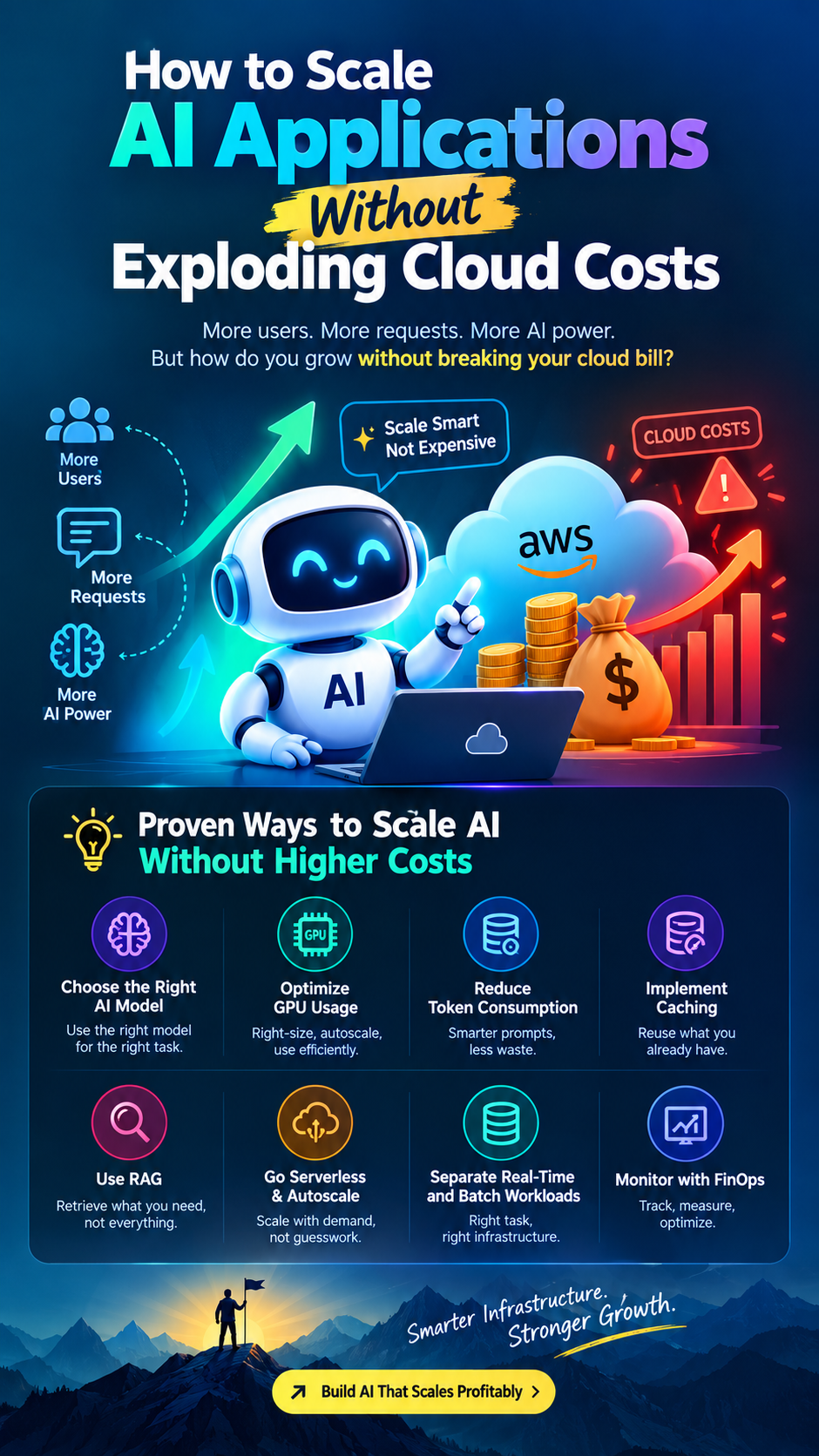
That's where:
- Auto Scaling
- Right-sizing
- Load balancing
- Serverless architectures
- Appropriate instance types
can help reduce unnecessary spending.
The goal isn't to use the cheapest resource.
The goal is to use the right resource for the workload.
---
5. Development Environments Running 24/7
Here's a classic cloud-cost problem.
A developer needs an environment for testing.
They create it on Monday.
They finish testing on Tuesday.
The environment stays online until Friday.
Then someone forgets about it over the weekend.
Multiply that behavior across multiple developers and teams.
Suddenly, you're paying for infrastructure that isn't doing any useful work.
A better approach
Use automation.
For example:
Start development environments when teams need them.
Stop them when they're not being used.
Simple automation can prevent a surprising amount of cloud waste.
---
6. Logs Can Become Expensive Too
Logging is essential for security, debugging, and observability.
But more logs aren't automatically better.
Organizations can end up collecting huge amounts of data without defining:
- How long logs should be retained
- Which logs are actually necessary
- Where they should be stored
- When they should move to lower-cost storage
- Which logs should be deleted
The result?
Your application gets more mature.
Your logs get bigger.
And your cloud bill quietly follows.
Good observability requires useful logging, not unlimited logging.
---
7. Nobody Owns the Cloud Bill
This might be the biggest problem.
When nobody owns cloud costs, everyone assumes someone else is watching them.
Developers focus on applications.
DevOps focuses on infrastructure.
Finance focuses on budgets.
Leadership focuses on business outcomes.
Meanwhile, the AWS bill keeps growing.
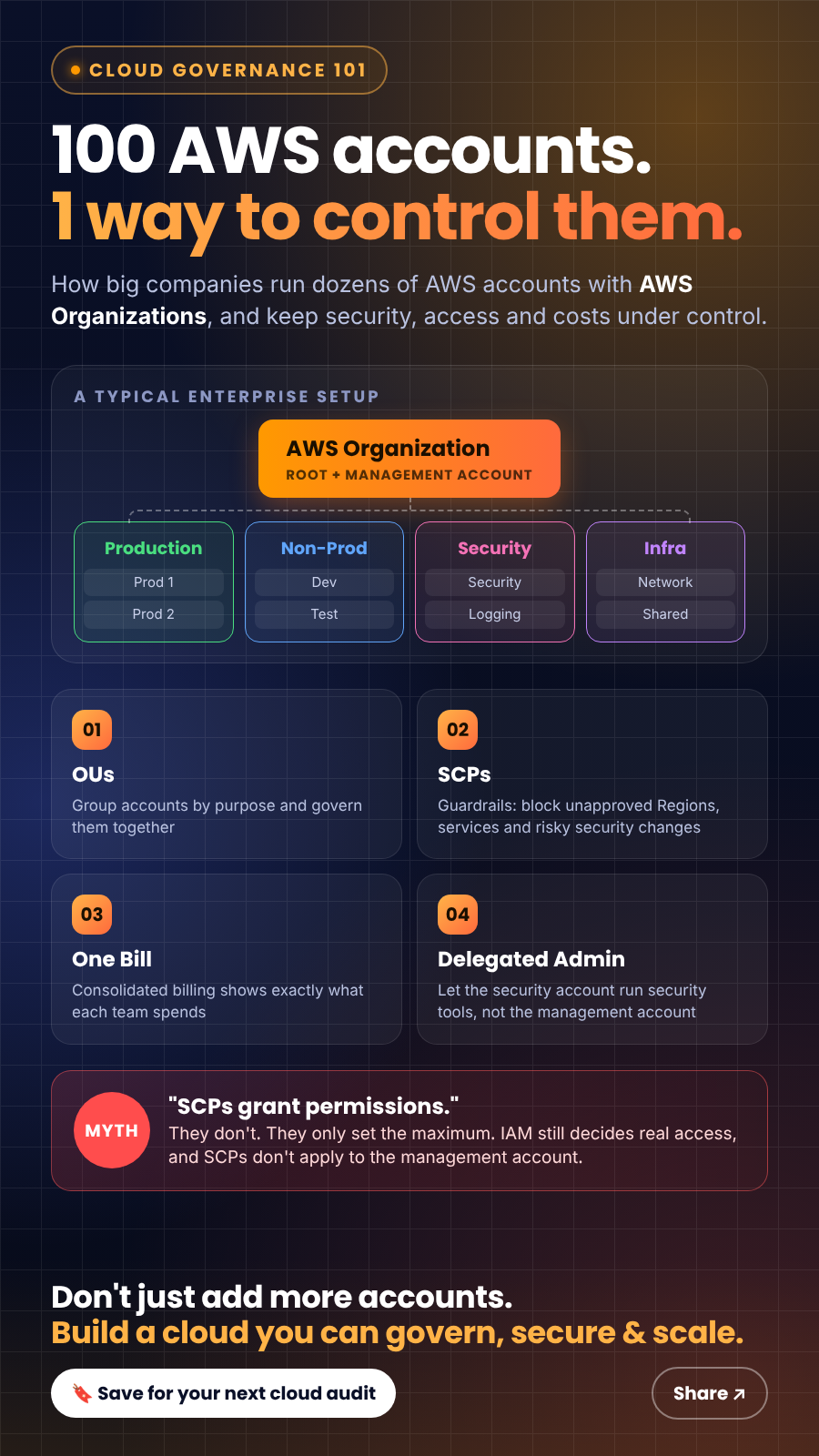
This is where FinOps becomes important.
FinOps isn't simply about cutting cloud spending.
It's about creating visibility and accountability around cloud usage.
Teams should understand:
Who is spending?
What are they spending on?
Why are they spending it?
Is that spending generating business value?
---
The $10K AWS Bill Usually Doesn't Come From One Mistake
This is the important part.
A huge AWS bill often isn't caused by one giant mistake.
It can be the result of dozens of small decisions:
«A few idle instances.»
«Some oversized resources.»
«Old snapshots.»
«Growing logs.»
«Unused storage.»
«Unexpected data transfer.»
«Development environments running continuously.»
«No budget alerts.»
Each one looks harmless.
Together?
They can become a $10K problem.
---
How to Prevent the Next AWS Bill Shock
You don't need to wait until the bill becomes a problem.
Start with visibility.
✅ Set AWS Budgets
Create budget thresholds and alerts so teams know when spending moves beyond expectations.
✅ Use Cost Explorer
Look for unusual spending patterns and identify which services, accounts, or workloads are driving costs.
✅ Right-Size Resources
Review utilization instead of blindly choosing larger infrastructure.
✅ Automate Non-Production Shutdowns
Development and testing environments don't necessarily need to run 24/7.
✅ Create Lifecycle Policies
Automatically transition or delete data according to your organization's retention requirements.
✅ Monitor Data Transfer
Understand where your data is moving and whether the architecture can be optimized.
✅ Tag Your Resources
Good tagging makes it easier to answer:
"Who owns this resource and why are we paying for it?"
✅ Make Cost Visibility a Team Habit
Cloud cost shouldn't be something finance discovers at the end of the month.
Engineering teams should see it as part of operating infrastructure responsibly.
---
The Real AWS Optimization Strategy
The goal shouldn't be:
"Make the AWS bill as small as possible."
That's the wrong target.
Cutting the wrong resources can hurt performance, reliability, security, or customer experience.
The better goal is:
«Get maximum business value from every dollar spent in the cloud.»
Sometimes spending more is the right decision.
If an additional $1,000 in infrastructure helps generate $20,000 in revenue, that's very different from spending $1,000 on idle resources nobody uses.
That's the real idea behind cloud cost optimization.
---
Final Thought
The most dangerous AWS bill isn't necessarily the biggest one.
It's the one that nobody saw coming.
Cloud spending can grow quietly while everyone is focused on building products, shipping features, and scaling applications.
That's why cost visibility needs to be part of cloud architecture from day one.
Because the question isn't:
"Why did AWS charge us $10,000?"
The better question is:
"Did we know where that $10,000 was going — and was it worth it?"
In the cloud, every resource has a cost.
Make sure every cost has a reason.
Did you find this helpful?