One Misconfigured Cloud Setting Can Expose Your Data Here's How | Savishty
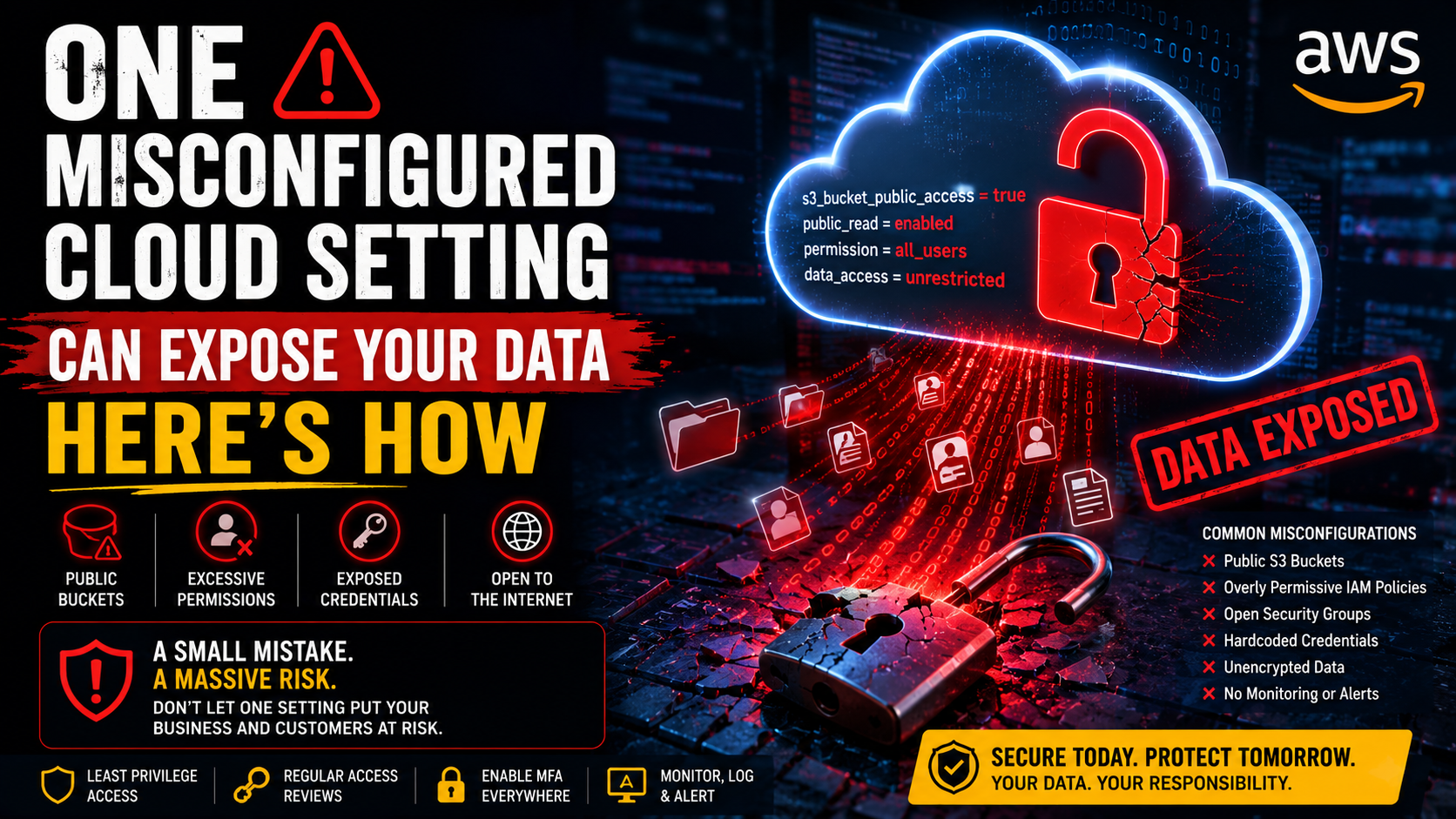
The Scary Part? Nobody Has to “Hack” You.
Imagine your company stores customer documents, invoices, employee information, and internal reports in the cloud.
Everything looks normal.
Your applications are running.
Your developers are working.
Your security dashboard isn't screaming.
Then someone discovers that one storage resource has been configured incorrectly.
No sophisticated malware.
No Hollywood-style cyberattack.
No dramatic server room break-in.
Just one permission that shouldn't have been there.
And suddenly, data that was supposed to be private may be accessible to people who shouldn't have it.
That's the uncomfortable reality of cloud security.
Sometimes the biggest vulnerability isn't a complicated attack. It's a simple configuration mistake.
The Cloud Isn't Automatically Secure
This is one of the biggest misconceptions about cloud computing.
People assume:
“We're using AWS, so our data is secure.”
AWS provides extensive security capabilities, but customers still have responsibilities for how they configure and use those services.
That means things like:
Who can access your resources
What permissions they have
Which data is publicly accessible
How credentials are managed
How networks are configured
How security events are monitored
still matter.
AWS recommends practices such as least-privilege permissions, MFA, temporary credentials, regular permission reviews, and IAM Access Analyzer.
In other words:
The cloud gives you powerful security tools.
Your configuration determines how effectively you use them.
How Does a Cloud Misconfiguration Happen?
Usually, it's not because someone deliberately tried to make a system insecure.
It's often something much more ordinary.
A developer needs temporary access to test an application.
A bucket needs to be accessible for a project.
An engineer creates a broad IAM permission to get something working quickly.
A security setting gets changed during troubleshooting.
The application goes live.
Nobody remembers to change the configuration back.
Three months later, the environment looks completely different from the day it was created.
That's how technical debt can quietly become a security problem.
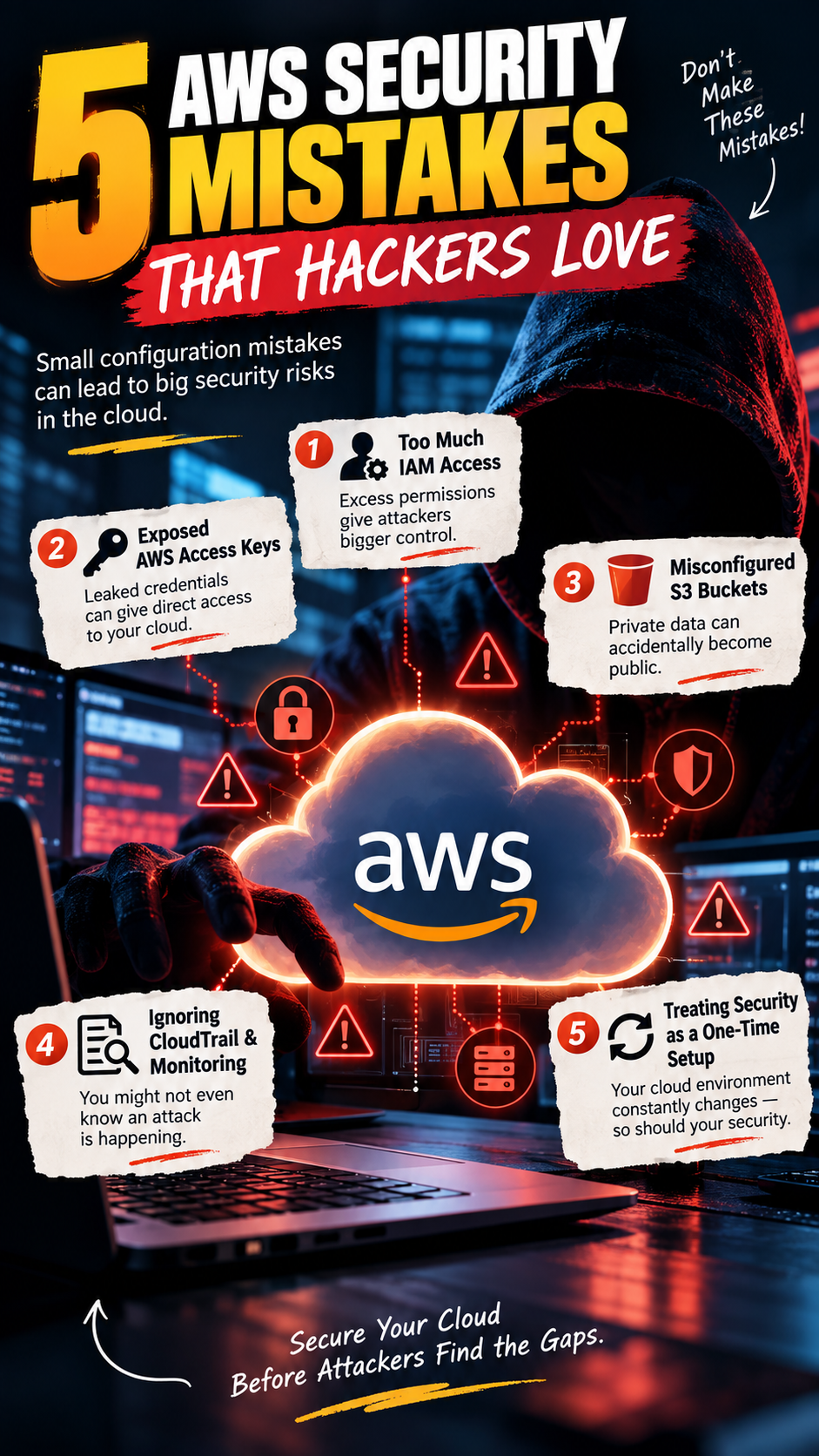
Mistake #1: Making Cloud Storage Public
Let's start with one of the most common examples.
Imagine a company stores customer documents in Amazon S3.
Someone changes the access configuration.
The bucket becomes publicly accessible.
Suddenly, the question isn't:
“Can our employees access the files?”
It's:
“Who else can access them?”
AWS provides S3 Block Public Access specifically to help prevent unintended public access. It can be applied at the organization, account, bucket, and access-point levels, with the most restrictive applicable settings enforced. �
AWS Documentation +1
AWS recommends keeping S3 resources private unless public access is explicitly required. �
AWS Documentation
The lesson is simple:
If data doesn't need to be public, don't make it public.
Mistake #2: Giving Everyone Too Much Access
Here's another common shortcut:
“Just give the developer admin access. It's easier.”
It might be easier.
It's also risky.
If an employee only needs access to one application or one database, they shouldn't automatically have permission to modify everything in the AWS account.
This is why security teams talk about least privilege.
Give people and applications the permissions they actually need—and nothing more.
AWS specifically recommends reducing permissions toward least privilege and regularly reviewing unused users, roles, permissions, and credentials. �
AWS Documentation
It may take a little more work upfront.
But cleaning up excessive permissions after a security incident is much harder.
Mistake #3: Forgetting About Old Access
Employees leave.
Projects end.
Temporary accounts become permanent.
Developers change teams.
Test environments are abandoned.
But access permissions can remain.
That's a problem.
A forgotten credential may still provide access long after the person or application that needed it has disappeared.
Regular access reviews help identify accounts, roles, credentials, and permissions that are no longer required.
Think of it like changing the locks after someone moves out.
You wouldn't keep every old key forever.
Cloud access shouldn't work differently.
Mistake #4: Treating Development Like Production
Developers need freedom to experiment.
Production needs control.
The problem starts when the two environments begin looking too similar.
A developer may test a configuration in development.
It works.
The same configuration gets pushed into production.
Except production contains real customer data.
The consequences are very different.
Separating environments, controlling permissions, and establishing approval processes for production changes can significantly reduce this kind of risk.
Mistake #5: Assuming “Private” Means “Safe”
A resource can be private and still be poorly protected.
For example:
A database might not be publicly accessible, but too many internal users may have access.
An application may be behind a firewall, but its credentials could be exposed.
A storage system might be private, but backups could be incorrectly configured.
Cloud security isn't one checkbox.
It's a collection of decisions.
Identity.
Network.
Data.
Application.
Monitoring.
Backups.
Configuration.
All of them matter.
The Dangerous Thing About Misconfiguration
Cyberattacks are often easy to imagine.
You picture someone actively trying to break into your system.
Misconfiguration is different.
Your system can be vulnerable while everyone is simply doing their job.
The developer is deploying code.
The IT team is fixing an issue.
The finance team is uploading documents.
The business is serving customers.
Nobody realizes that one setting has created unnecessary exposure.
That's what makes configuration security so important.
What Can Businesses Do About It?
The good news is that cloud security doesn't have to mean making everything complicated.
Start with the basics.
1. Use Least-Privilege Access
Give users and workloads only the permissions they actually need.
AWS recommends least privilege as a core IAM security practice.
AWS Documentation
2. Enable MFA
Especially for privileged accounts.
A password alone shouldn't be the only line of defense for sensitive access.
AWS recommends MFA as part of its IAM best practices.
Amazon Web Services, Inc.
3. Review Public Access
For S3, use Block Public Access where public access isn't required.
AWS provides controls at multiple levels to reduce the risk of accidentally exposing S3 resources.
AWS Documentation
4. Review Permissions Regularly
Don't wait for an employee to leave or a project to end.
Make access reviews part of normal operations.
IAM Access Analyzer can help identify and refine permissions and review public or cross-account access.
AWS Documentation
5. Separate Environments
Keep development, testing, and production appropriately separated.
A mistake in a test environment shouldn't automatically become a production incident.
6. Monitor What Changes
A secure environment isn't one that never changes.
It's one where important changes are visible.
Know:
Who changed it?
What changed?
When did it change?
Why was it changed?
That information can be incredibly valuable when investigating unexpected behavior.
Don't Make Security Someone's “Extra Job”
This is another common mistake.
Security shouldn't belong only to the security team.
Developers configure applications.
DevOps teams manage infrastructure.
Managers approve access.
Employees use cloud applications.
Everyone influences the security posture.
The best cloud environments make secure behavior part of the normal development process rather than something checked at the very end.
The Real Problem Isn't One Setting
The headline says:
“One misconfigured cloud setting can expose your data.”
That's true as a warning.
But the bigger issue is the system around that setting.
If one person can make a dangerous change without review...
If nobody monitors the environment...
If permissions are never reviewed...
If production changes aren't controlled...
Then the problem isn't really one setting.
It's the lack of a security process.
Cloud Security Is a Continuous Process
Your AWS environment today won't necessarily look the same six months from now.
New applications will be deployed.
Employees will join and leave.
Permissions will change.
New databases will appear.
New integrations will be added.
AI workloads will introduce new data flows.
That's why cloud security can't be:
“We secured it during migration.”
It needs to be:
“We're continuously checking it.”
Final Thought
The most dangerous cloud security mistake isn't always an advanced vulnerability.
Sometimes it's a checkbox.
A permission.
A forgotten account.
A public storage policy.
A temporary credential that became permanent.
Something small.
Something easy to overlook.
And that's exactly why cloud security deserves continuous attention.
Because the goal isn't to make your AWS environment impossible to use.
It's to make sure your developers can move fast without accidentally opening the front door to everyone.
Build fast.
Move smart.
Secure everything.
And never assume that because your data is in the cloud, someone else is automatically protecting every decision you make.
Frequently Asked Questions
Can one cloud misconfiguration really expose sensitive data?
Yes. Incorrect access policies, permissions, network settings, or storage configurations can potentially expose resources to unauthorized users. The exact risk depends on the service and configuration.
How can AWS S3 data become exposed?
S3 access can be affected by bucket policies, access point policies, ACLs, and account-level or organization-level Block Public Access settings. AWS recommends using Block Public Access unless public access is explicitly required.
AWS Documentation
What is the principle of least privilege?
It means granting a user or workload only the permissions required to perform its intended task, rather than giving broad access.
AWS Documentation
Is AWS responsible for cloud security?
AWS provides security for the underlying cloud infrastructure, while customers remain responsible for many aspects of how their workloads, data, identities, and configurations are secured.
How often should cloud permissions be reviewed?
There isn't one universal schedule for every organization, but permissions should be reviewed regularly and whenever roles, projects, applications, or responsibilities change. AWS recommends regularly removing unused users, roles, permissions, policies, and credentials.
Did you find this helpful?